StarbucksInstagram carousel
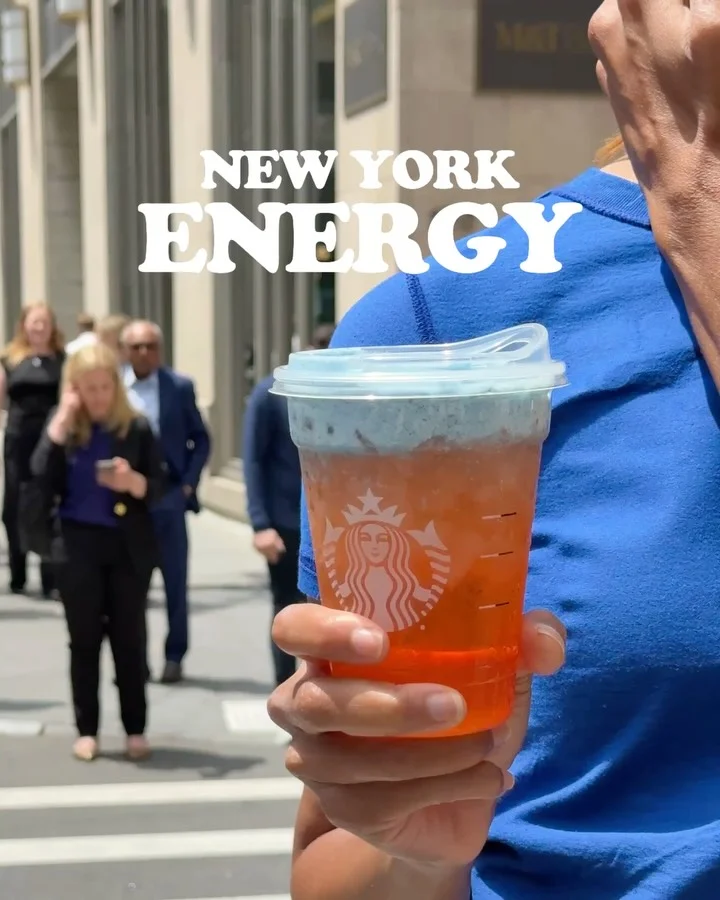
Name a custom order after its city, then spell out the exact recipe
A street shot gives the drink a nickname in chunky slab capitals; the second slide overlays the barista-ready order line by line on a close-up of the same cup, so viewers can repeat it at the counter.
“this energy is everything how to order: Grande Mango Strawberry Lemonade Energy Refreshe…”
- Type
- How to use
- Goal
- Conversion
- Hook
- Reveal
- Format
- Reveal, then detail
In the full breakdown
Every one of the 2 slides and what each one does, the creative decisions behind the post and when to use them, the type, colour and layout choices, and a brief to make a new post in the same style with your own words and pictures.
More from Starbucks
 Starbucks
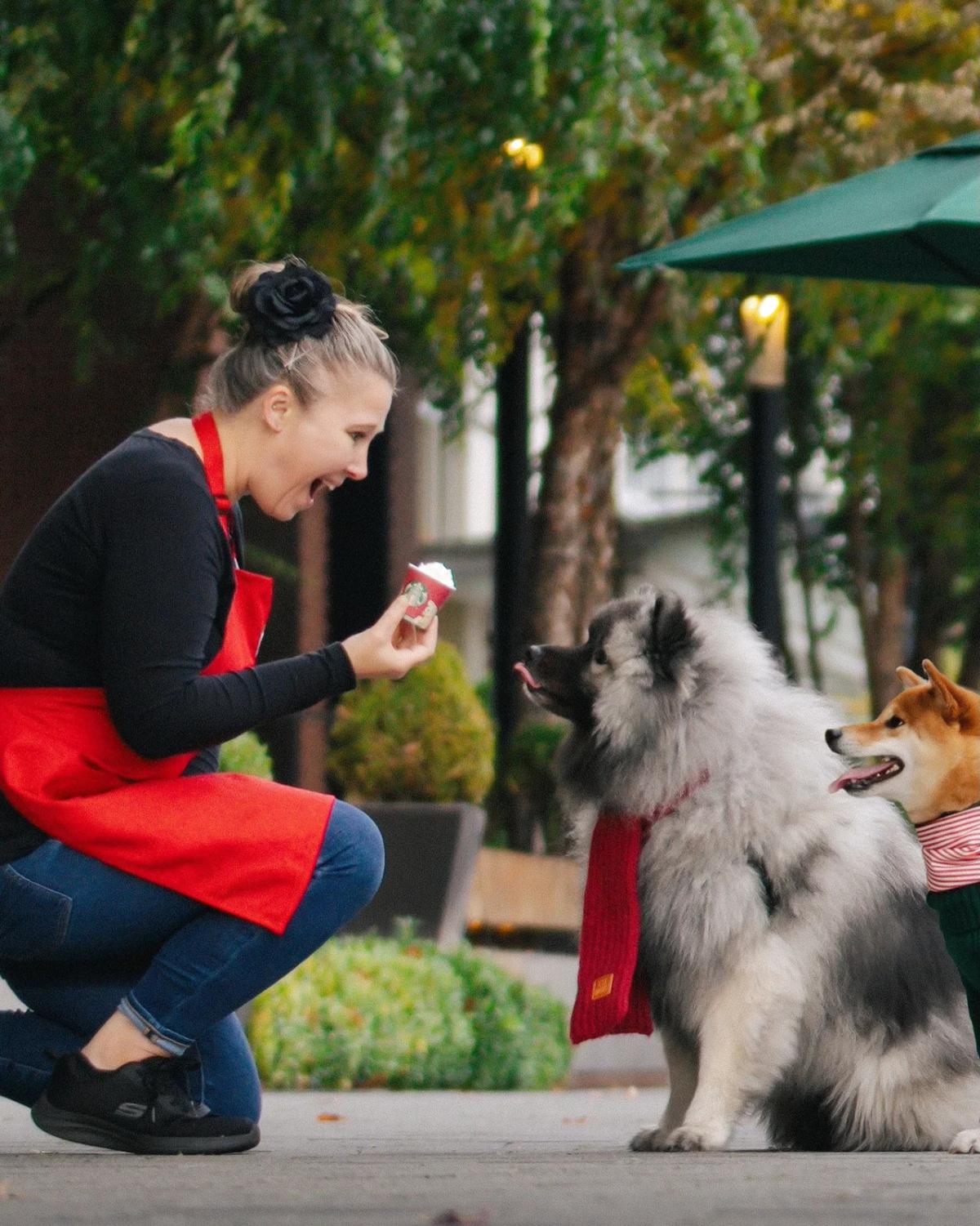
Stitch a line of waiting dogs into a panorama that ends in a pup cup
 Starbucks
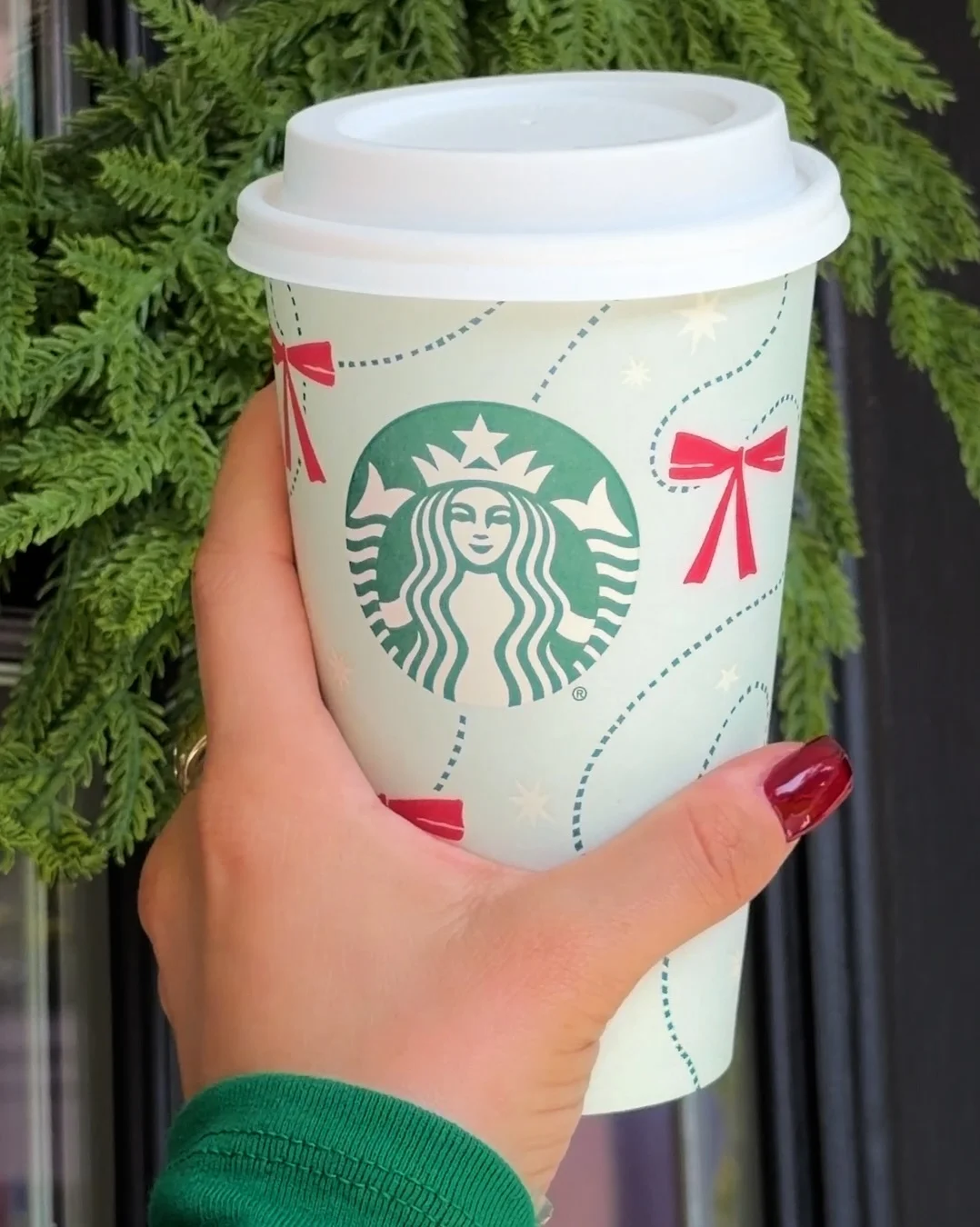
Collect five fan photos of holiday cups, one drink per slide, on launch day
 Starbucks
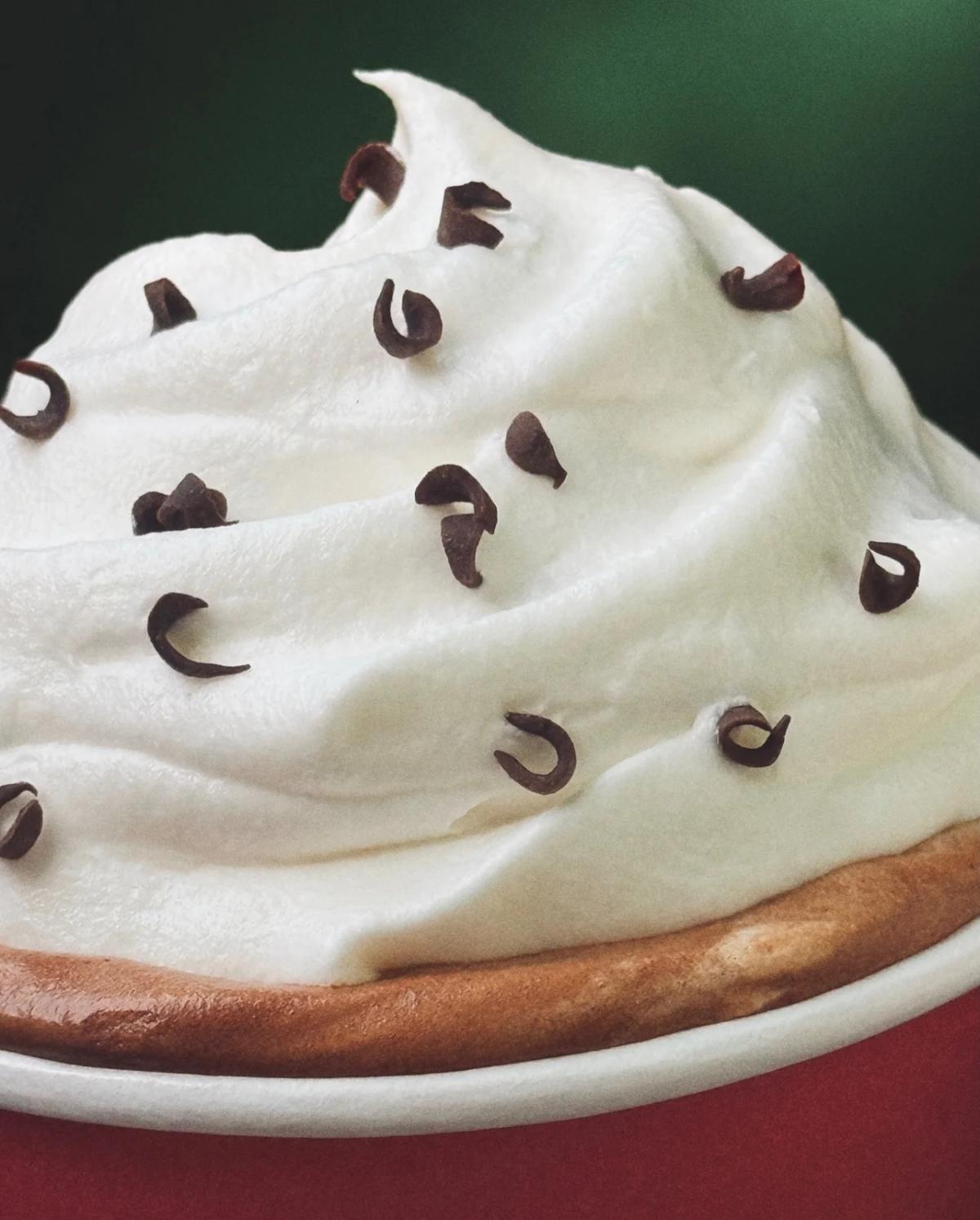
Tease six holiday drinks through extreme close-ups of their toppings alone
 Starbucks
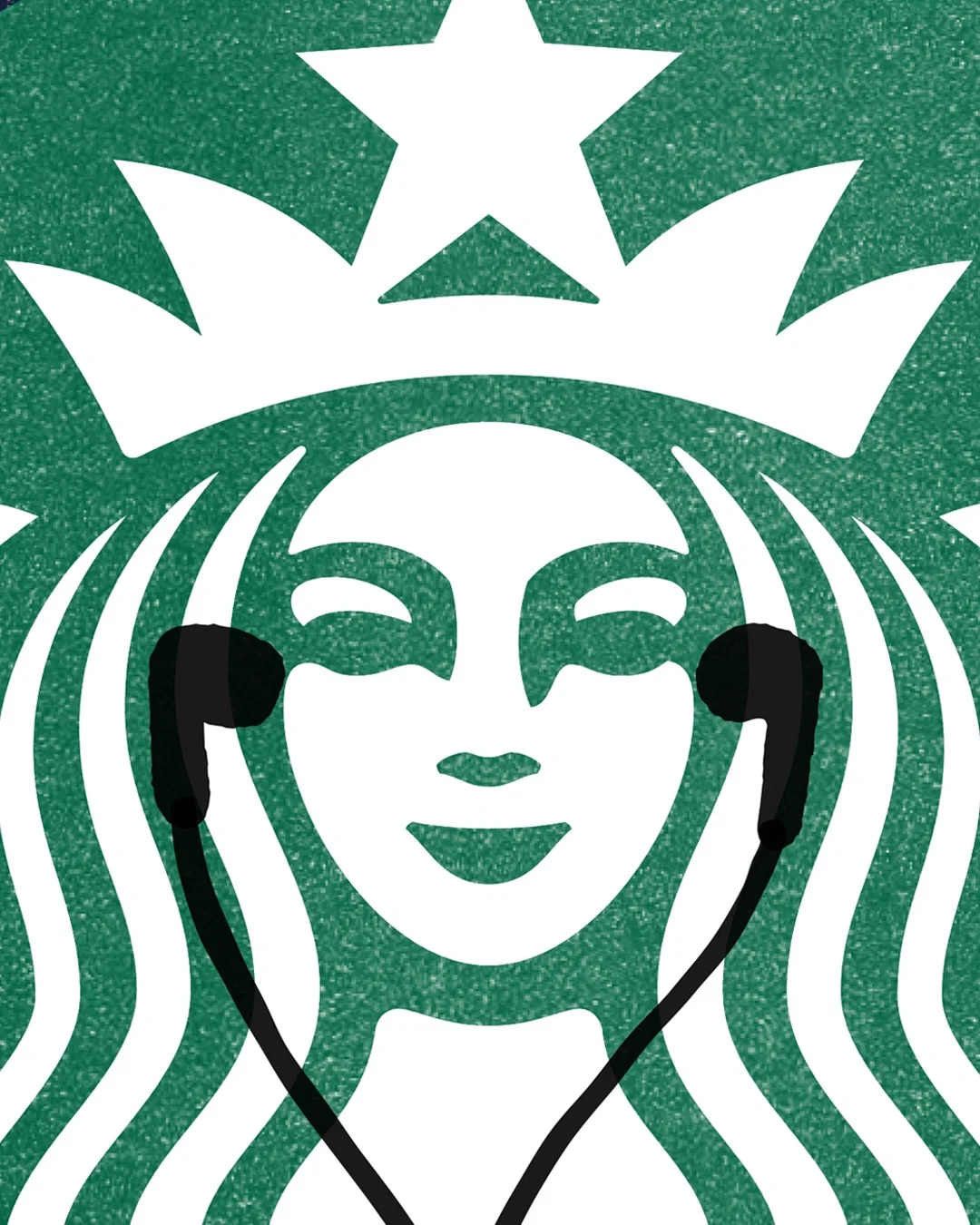
Give the siren earbuds, then play each holiday track as a now-playing card
How to use, from other brands
 Magnific AI
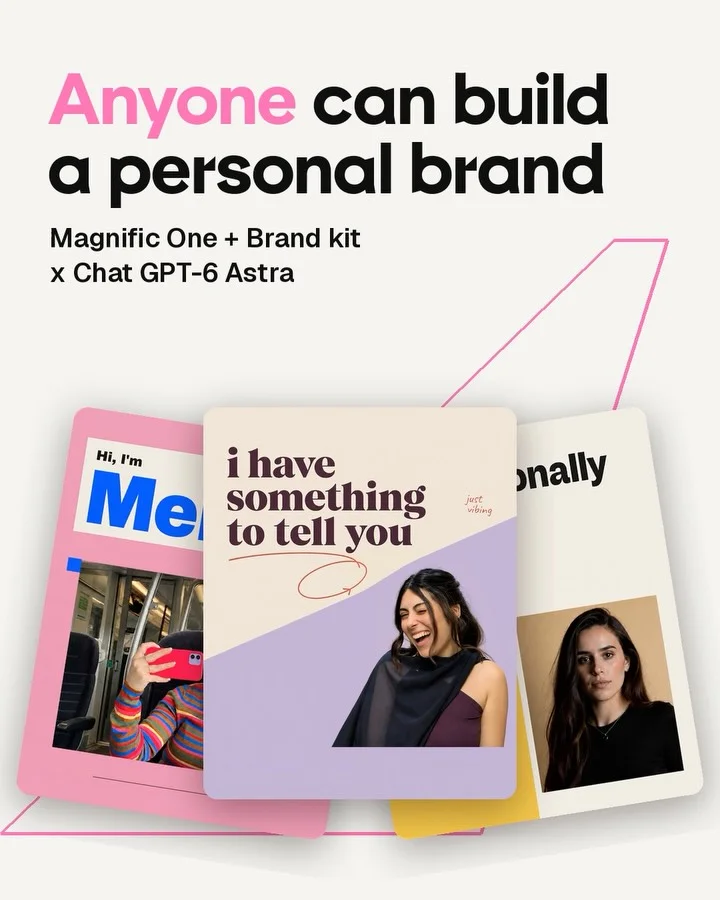
Fan three personal-brand posters on the cover, then alternate each with chat
 Instacart
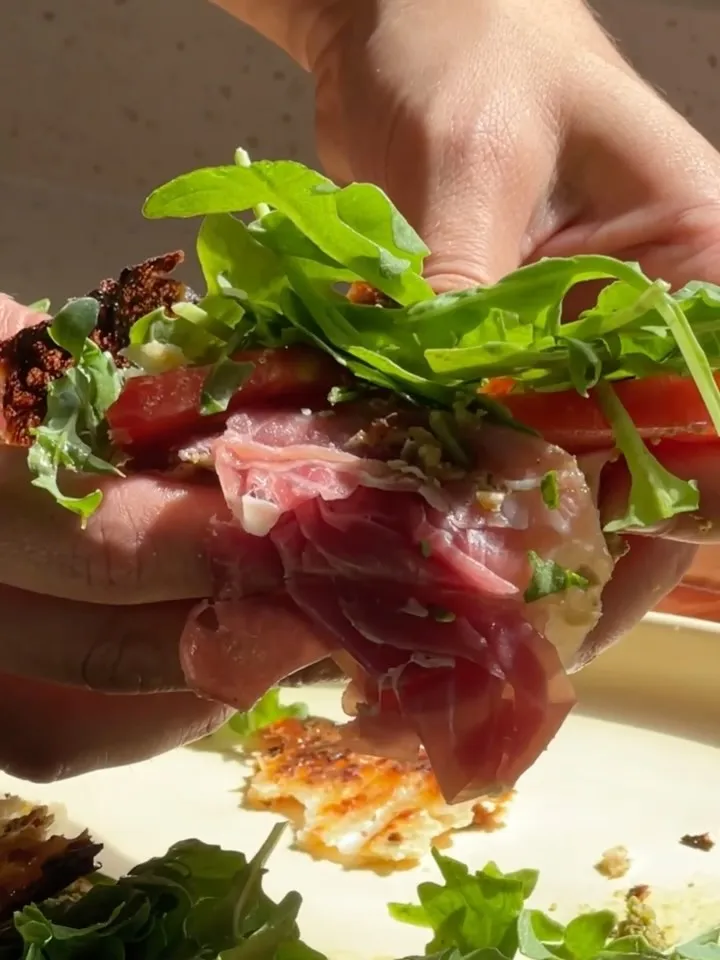
Show the appetizing result before revealing an unusual ingredient
 Burger King
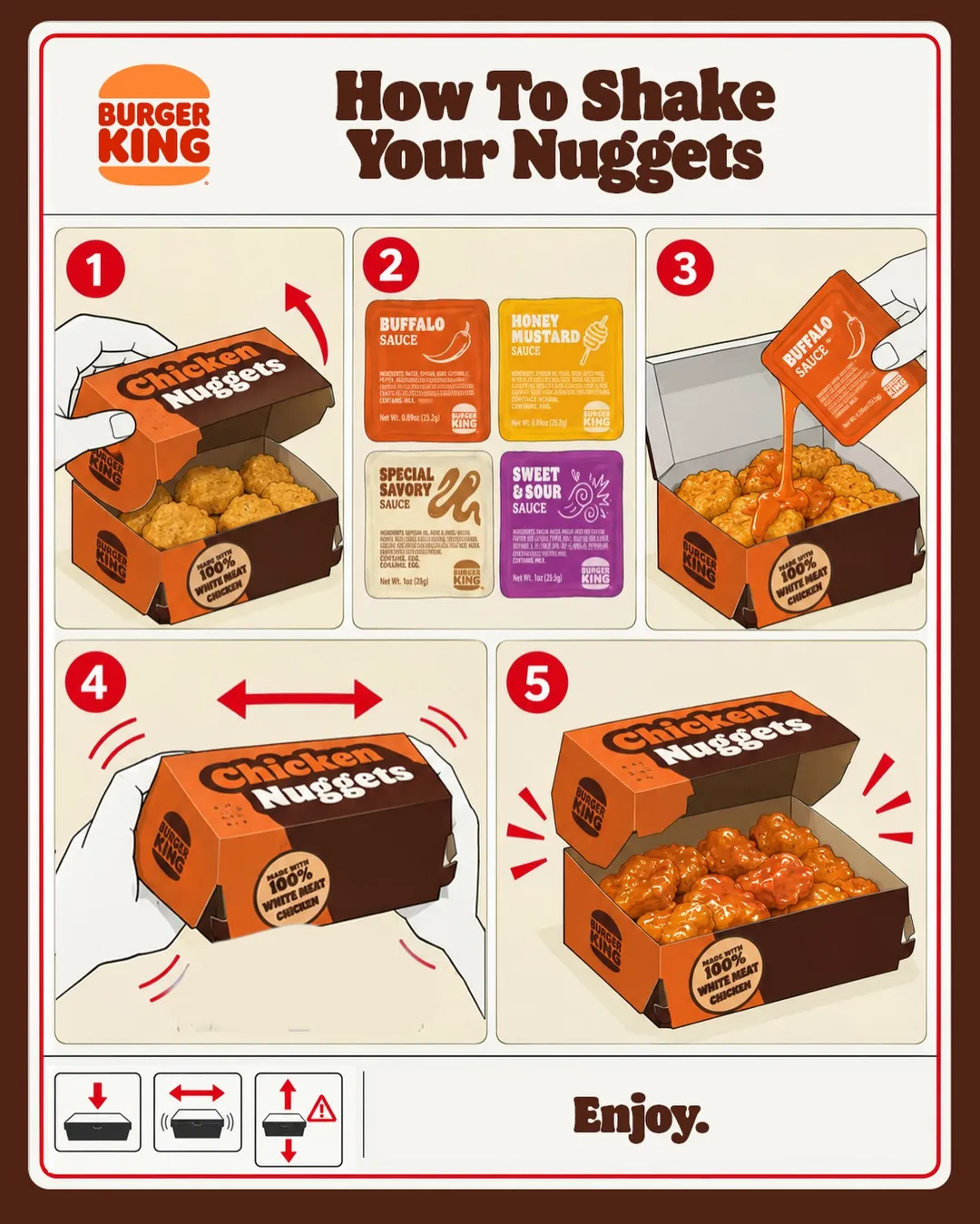
Use numbered packaging illustrations to teach a new eating ritual
 ChatGPT
Open on a real-looking scam text, then scale one question into millions
These posts belong to Starbucks, and each links to the original on Instagram. They’re shown here to study and comment on. Curatit isn’t affiliated with Starbucks. To ask for a post to be removed, use Contact at the foot of the page.
Read every breakdown in full
A free account opens every post in the library, the main idea of each breakdown, and boards to save and share posts. The full breakdowns, with the decisions behind each post, its design slide by slide and its colours, come with search by idea in the paid plans.