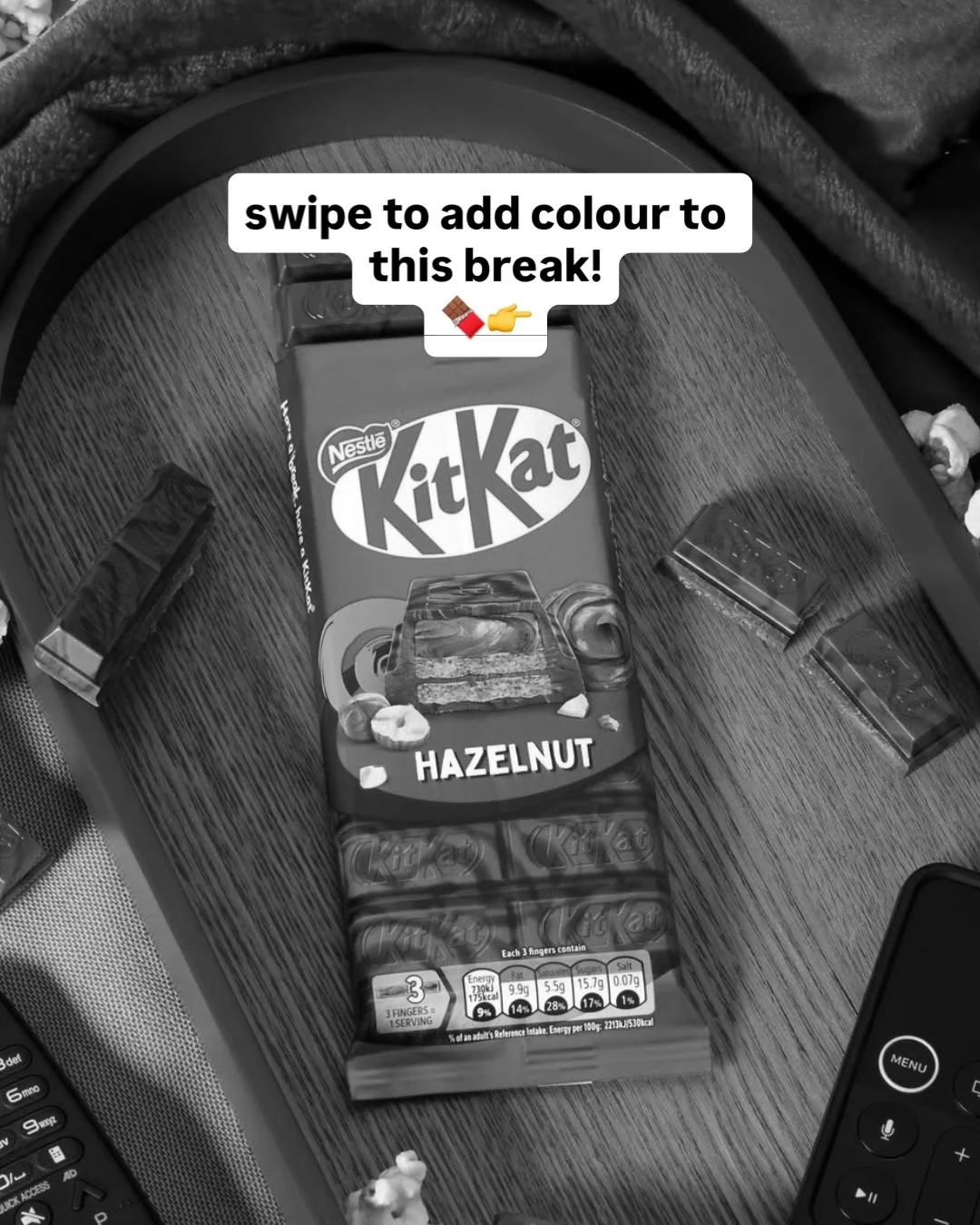
KitKatInstagram carousel
Colour a black-and-white flat lay one element per swipe until the pack glows
The same overhead shot of a Hazelnut KitKat on a tray starts fully grey, and each slide restores colour to one more element, tray, blanket, loose fingers, pack, then table, so the product lights up last but one.
“swipe to add colour to this #KitKatHazelnut break!”
- Type
- Product showcase
- Goal
- Awareness
- Hook
- Curiosity gap
- Format
- Reveal, then detail
In the full breakdown
Every one of the 6 slides and what each one does, the creative decisions behind the post and when to use them, the type, colour and layout choices, and a brief to make a new post in the same style with your own words and pictures.
More from KitKat
 KitKat
Tease an advent calendar with an empty flat-lay, then crop into its windows
 KitKat
Announce a returning seasonal shape with one lit chocolate figure on bokeh
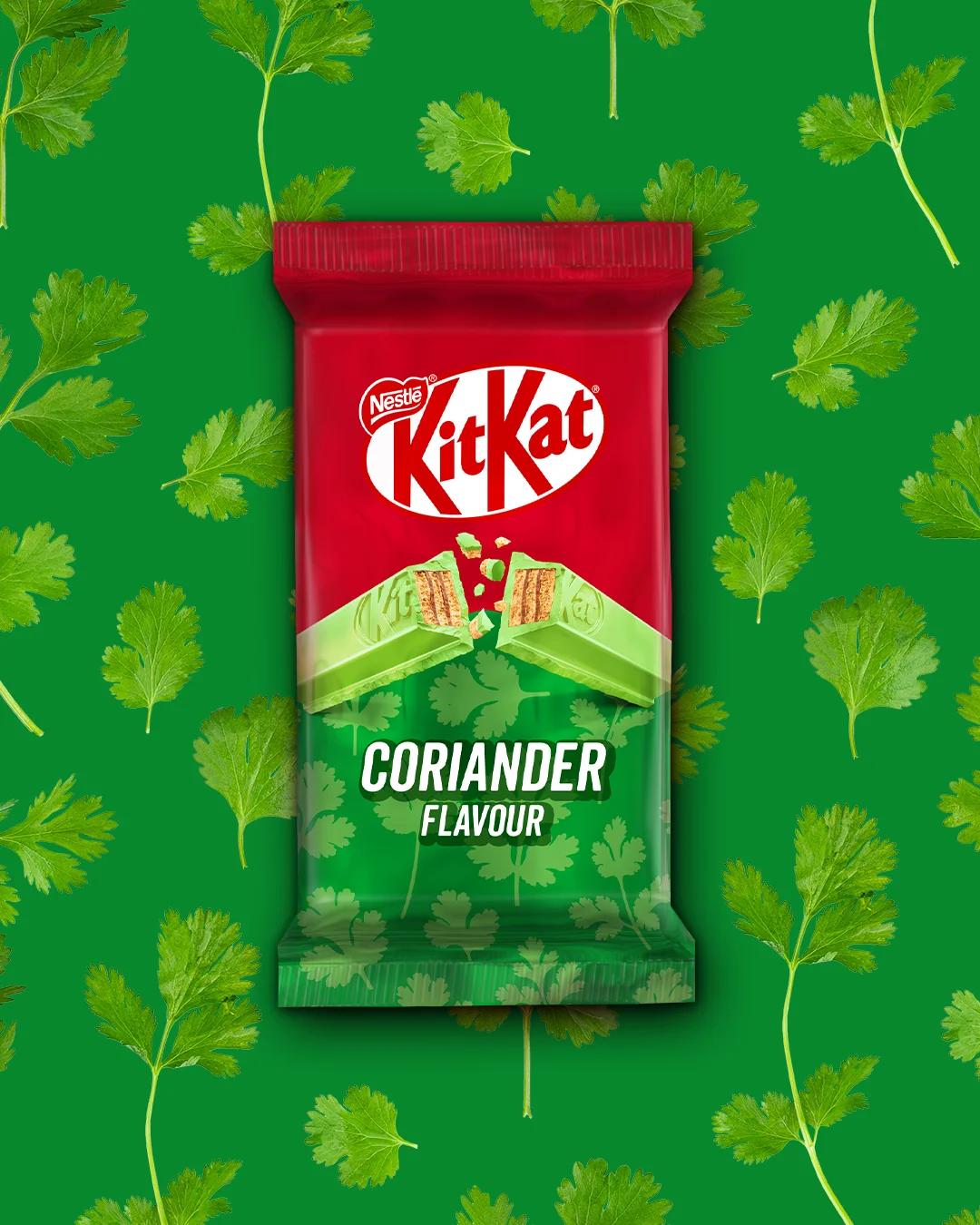 KitKat
Mock up an absurd coriander-flavour bar as a straight-faced pack shot
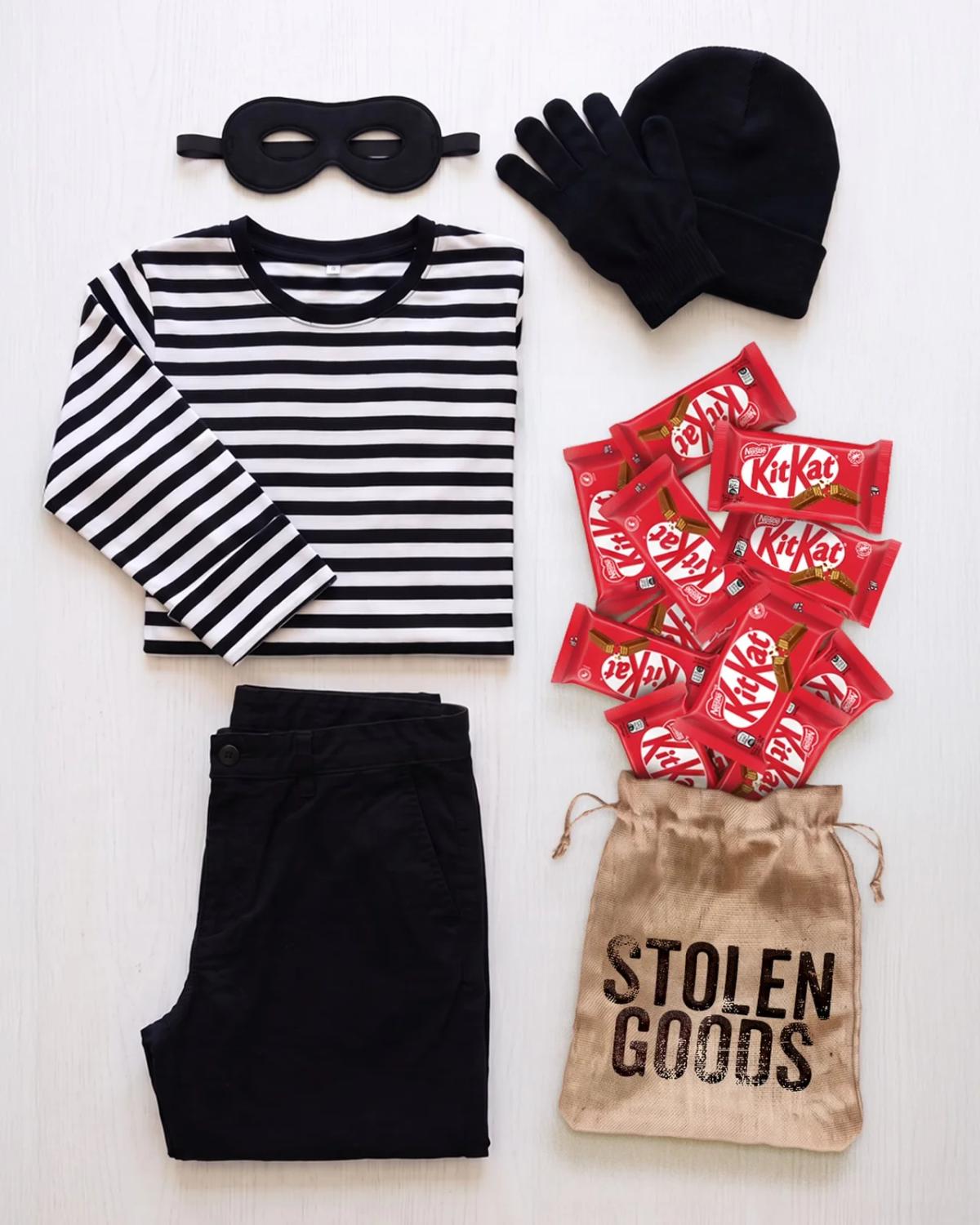 KitKat
Lay out a burglar costume flat-lay with stolen bars spilling from a loot sack
Product showcase, from other brands
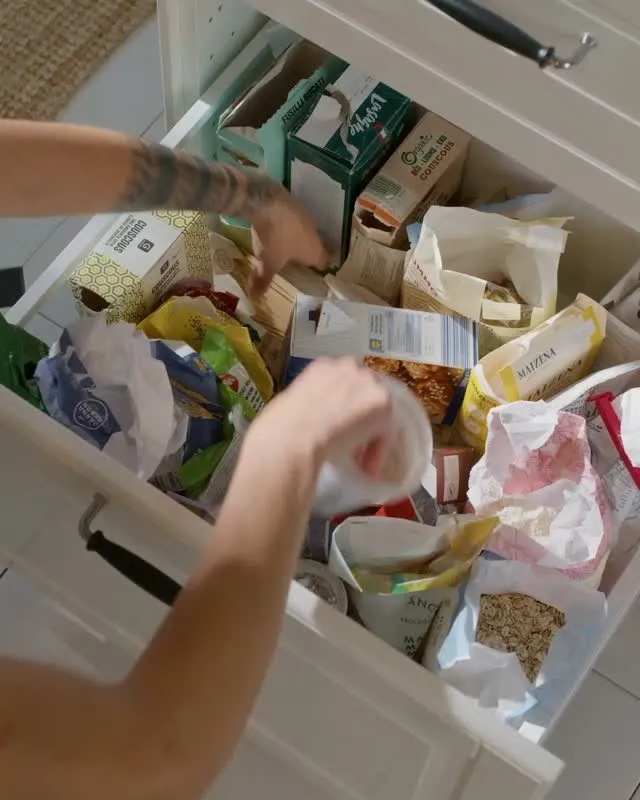 IKEA
Open on a chaotic pantry drawer, then show clear containers fixing it
 Magnific AI
Teach seven camera angles inside one medieval battle so only the shot changes
 On
Alternate two studio looks with packshots of the shoe each outfit wears
 ChatGPT
Turn a candid under-desk photo into a polished headshot inside one dark chat scroll
These posts belong to KitKat, and each links to the original on Instagram. They’re shown here to study and comment on. Curatit isn’t affiliated with KitKat. To ask for a post to be removed, use Contact at the foot of the page.
Read every breakdown in full
A free account opens every post in the library, the main idea of each breakdown, and boards to save and share posts. The full breakdowns, with the decisions behind each post, its design slide by slide and its colours, come with search by idea in the paid plans.