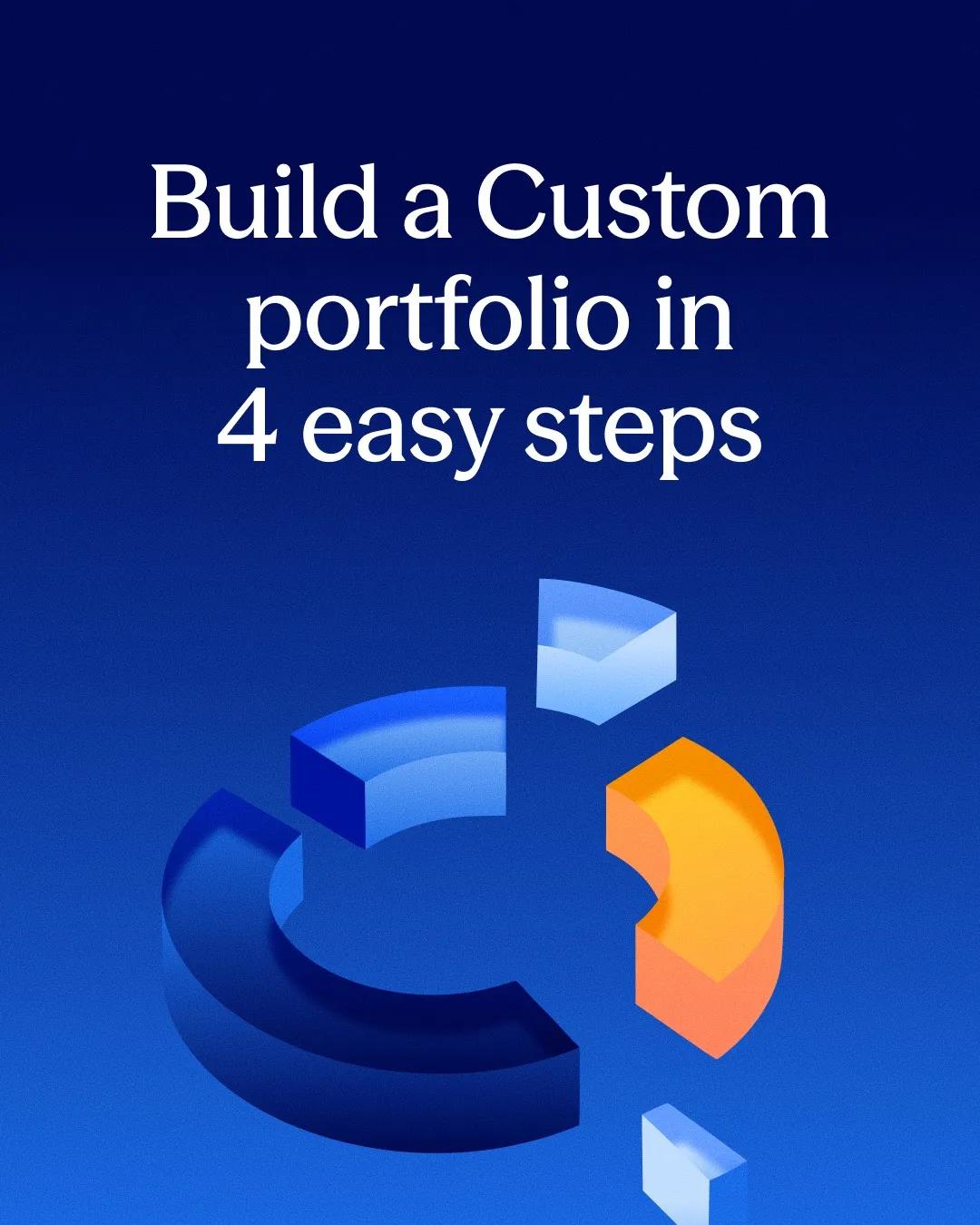
BettermentInstagram carousel
Walk through building a custom portfolio in four badged steps with app screens
A yellow STEP badge numbers four slides, each pairing one instruction with the screen that performs it. The cover’s exploded 3D donut returns in Slide 2 as a solid prebuilt portfolio beside a dashed empty one.
“Want to build your own custom portfolio with the same expertly managed automation?”
- Type
- How to use
- Goal
- Consideration
- Hook
- How-to promise
- Format
- Step by step
In the full breakdown
Every one of the 5 slides and what each one does, the creative decisions behind the post and when to use them, the type, colour and layout choices, and a brief to make a new post in the same style with your own words and pictures.
More from Betterment
 Betterment
Trace four athletes as coloured lines that converge on the brand
 Betterment
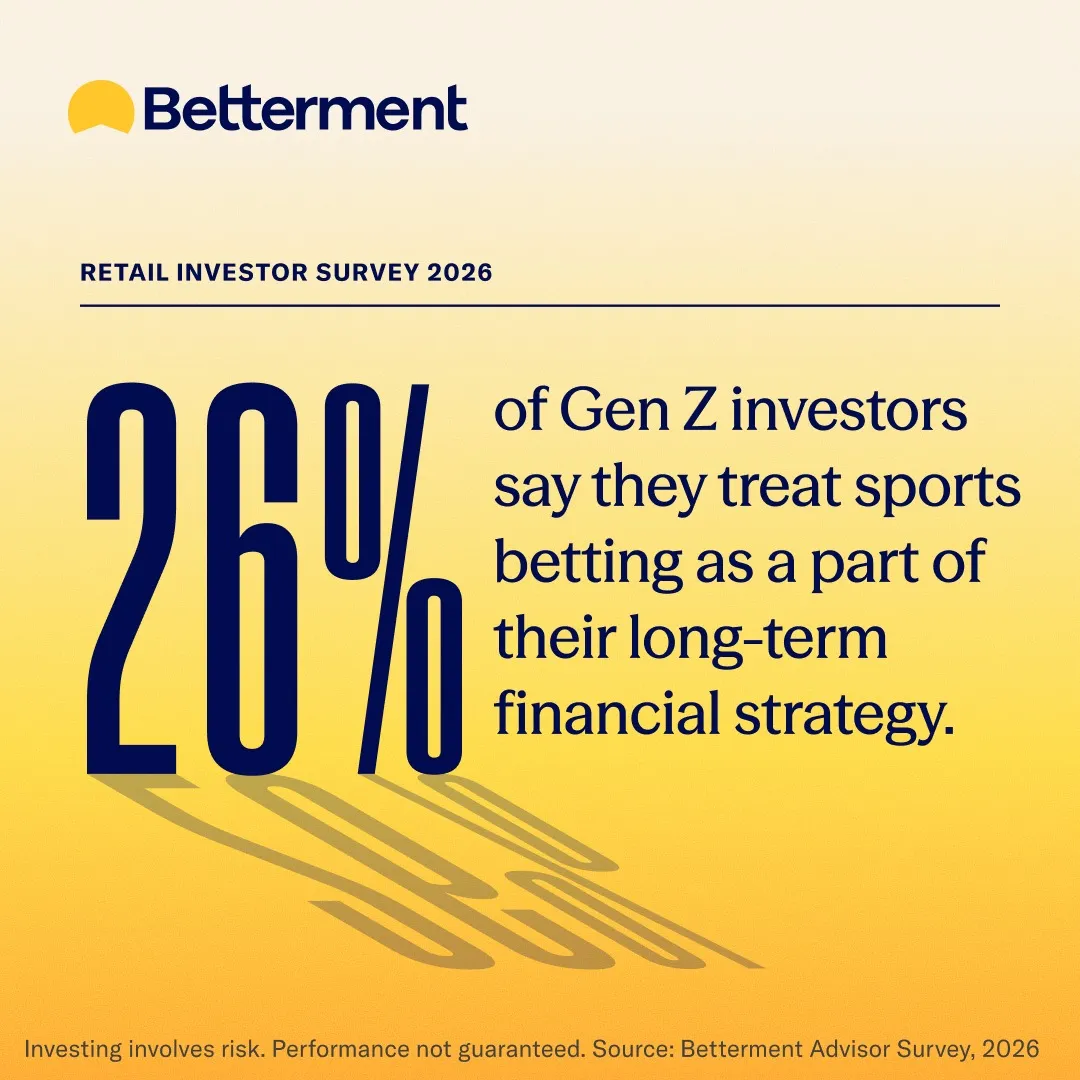
Make a survey percentage the hero with oversized condensed type and shadow
 Betterment
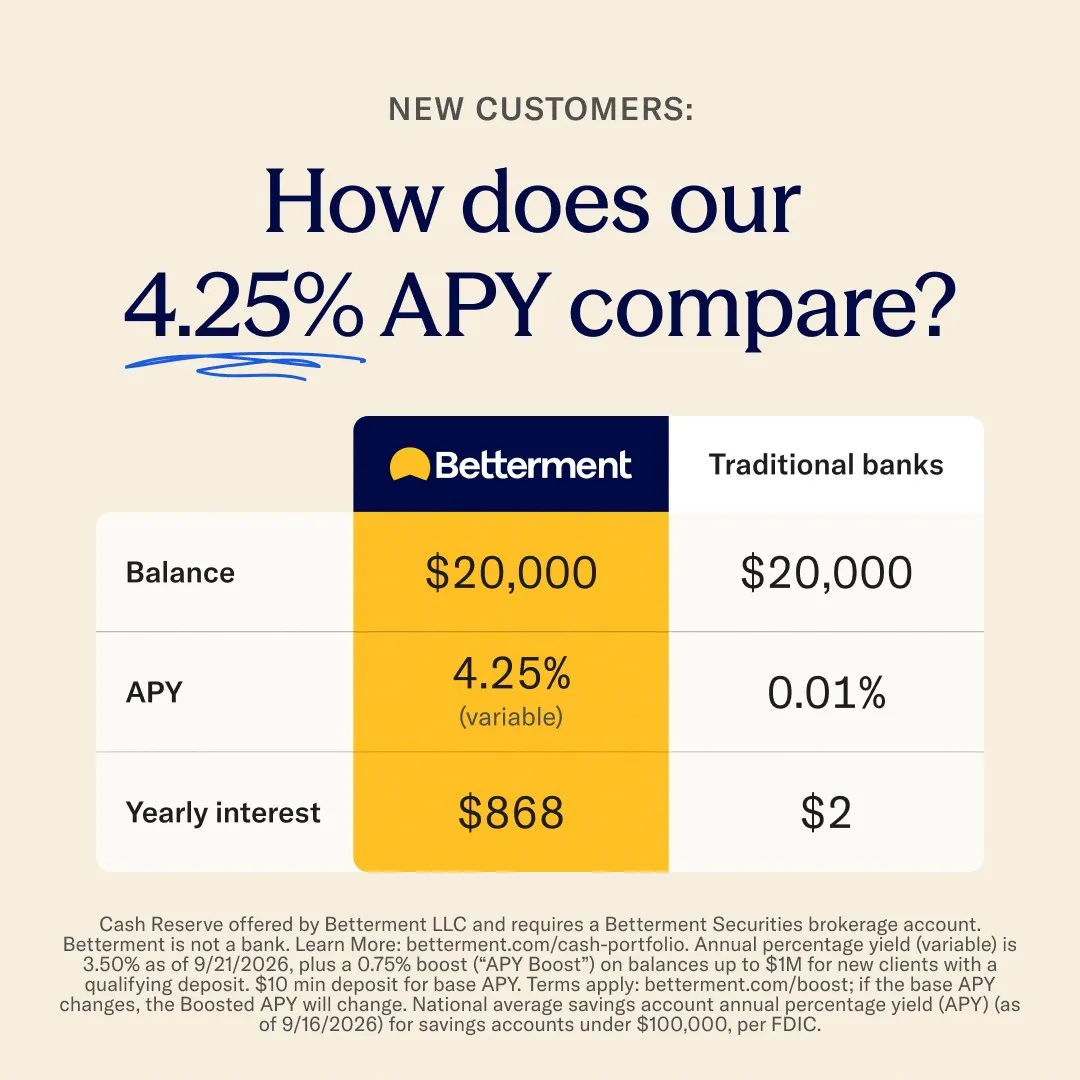
Compare yearly interest side by side with the brand column filled yellow
 Betterment
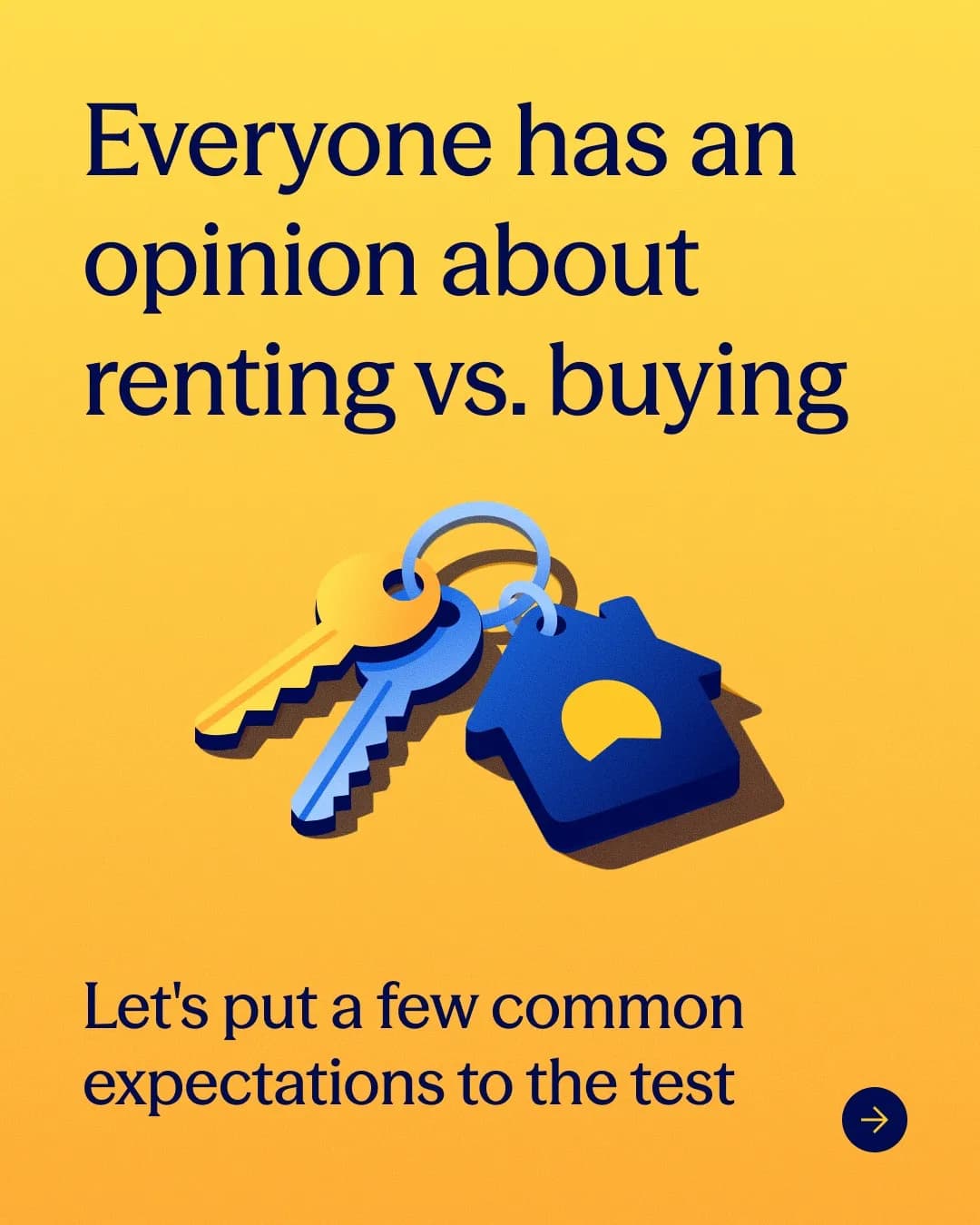
Stage each housing myth against its reality in two stacked cards
How to use, from other brands

These posts belong to Betterment, and each links to the original on Instagram. They’re shown here to study and comment on. Curatit isn’t affiliated with Betterment. To ask for a post to be removed, use Contact at the foot of the page.
Read every breakdown in full
A free account opens every post in the library, the main idea of each breakdown, and boards to save and share posts. The full breakdowns, with the decisions behind each post, its design slide by slide and its colours, come with search by idea in the paid plans.