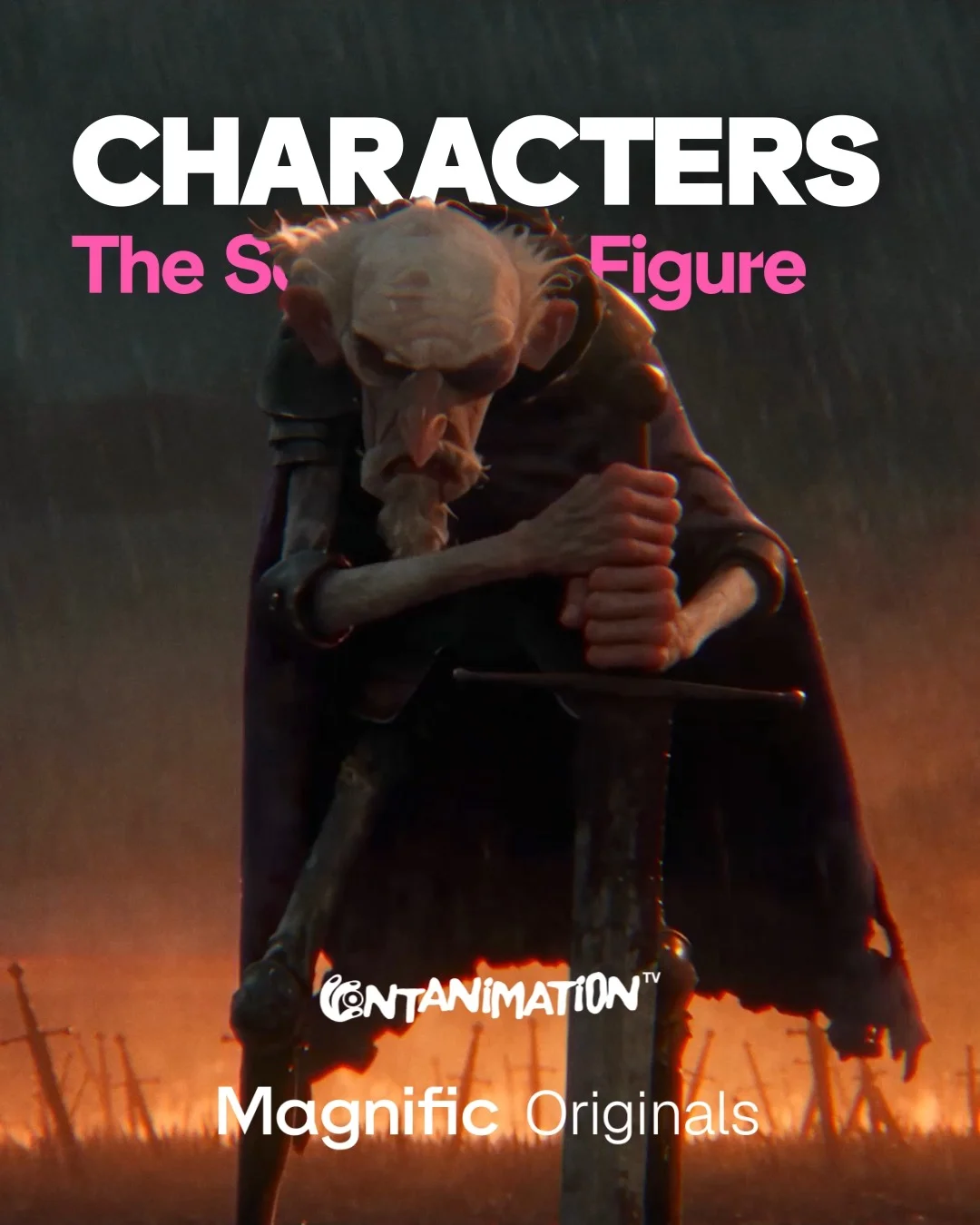
Magnific AIInstagram carousel
Pair each animated film still with the character sheets that generated it
Every frame after the cover carries a pink Reference tab with turnaround sheets in the lower left corner. Joining sheets with plus signs shows how separate characters were combined into one shot.
“Comment 'WATCH' and we'll send you the full episode A few frames from our latest Magnifi…”
- Goal
- Engagement
- Hook
- Visual only
- Format
- Gallery
In the full breakdown
Every one of the 9 slides and what each one does, the creative decisions behind the post and when to use them, the type, colour and layout choices, and a brief to make a new post in the same style with your own words and pictures.
More from Magnific AI
 Magnific AI
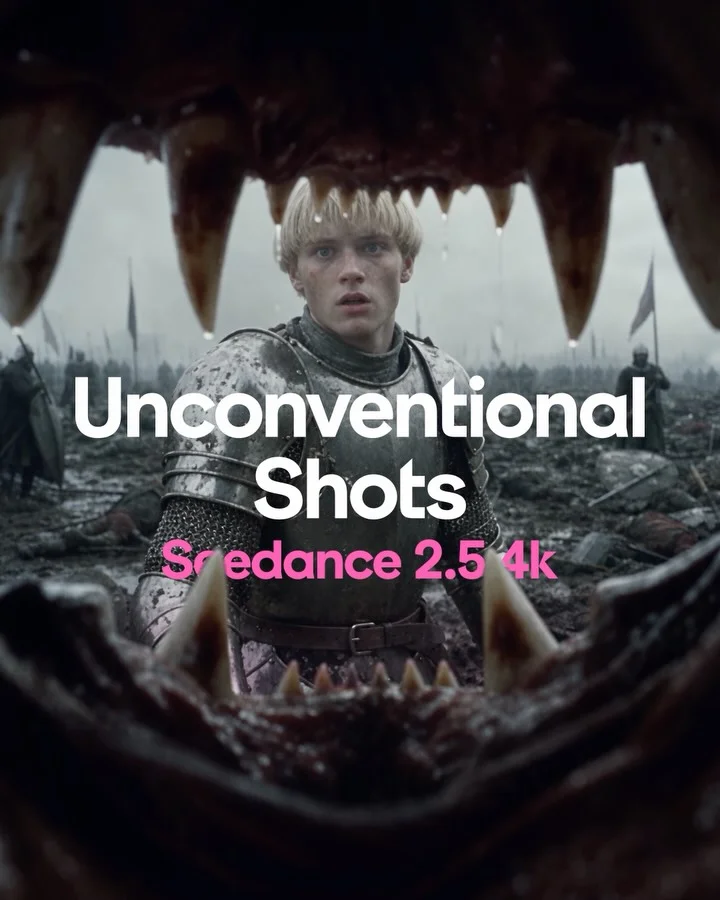
Teach seven camera angles inside one medieval battle so only the shot changes
 Magnific AI
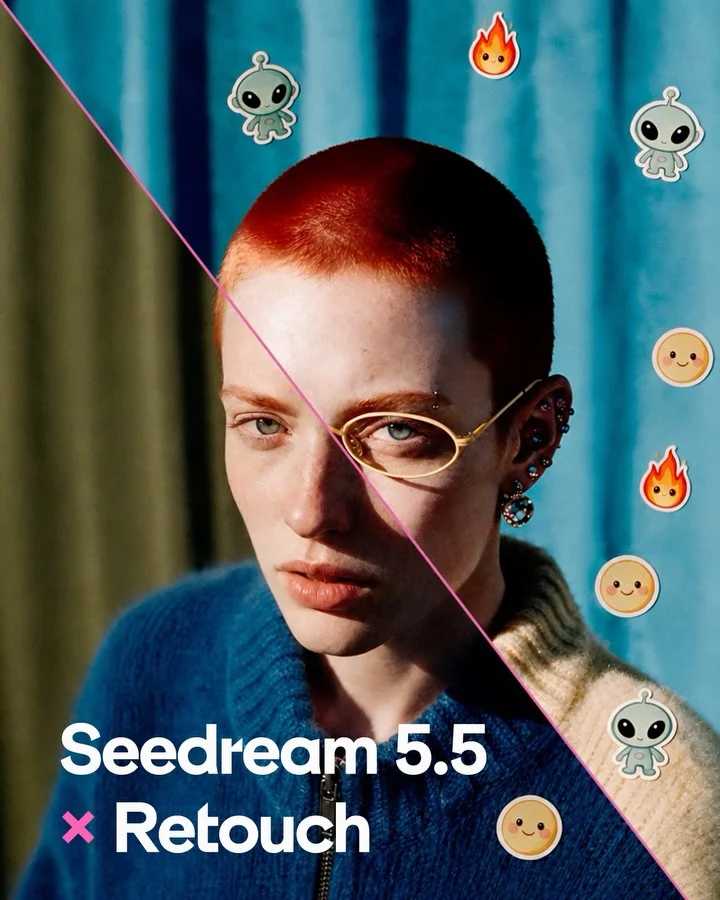
Split one portrait diagonally into original and retouched to launch an editing model
 Magnific AI
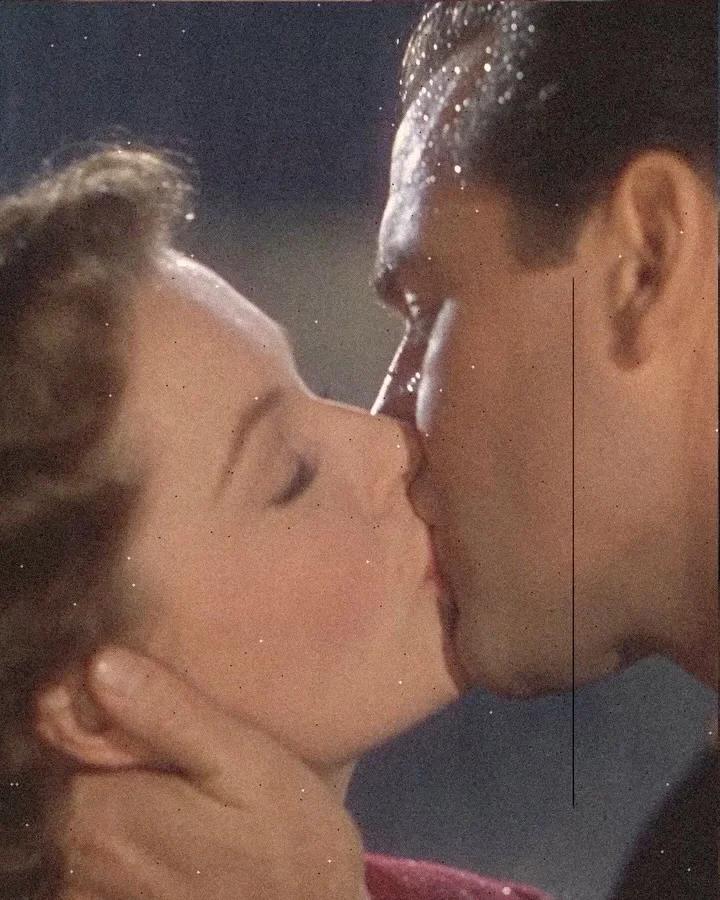
Present motion recipes as aged collage plates with paper-cut figures and film damage
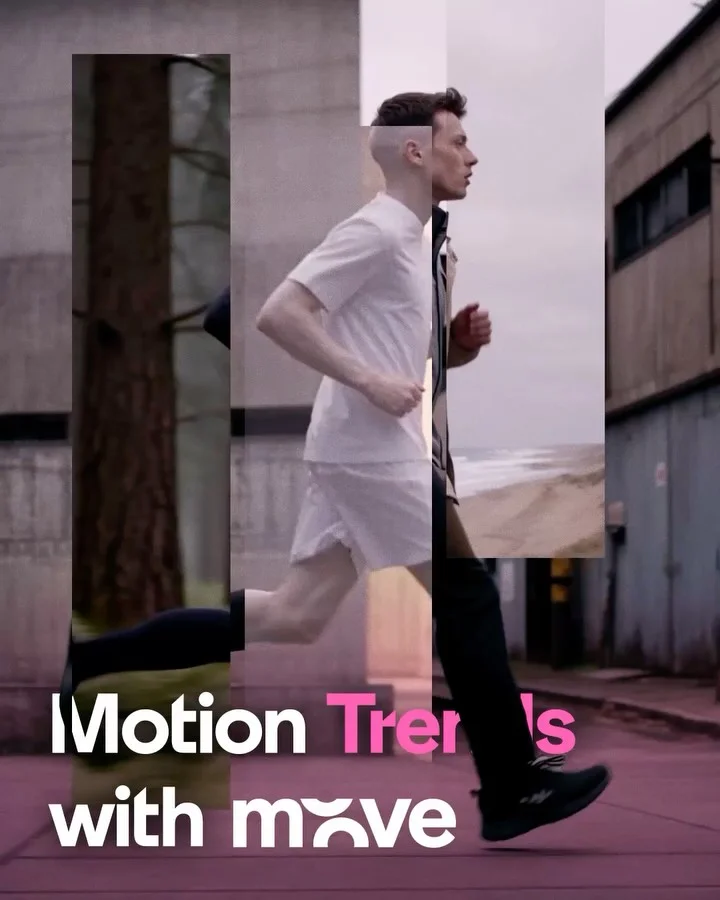 Magnific AI
Freeze eight motion effects mid-transition so each reads in a still frame
Behind the scenes, from other brands
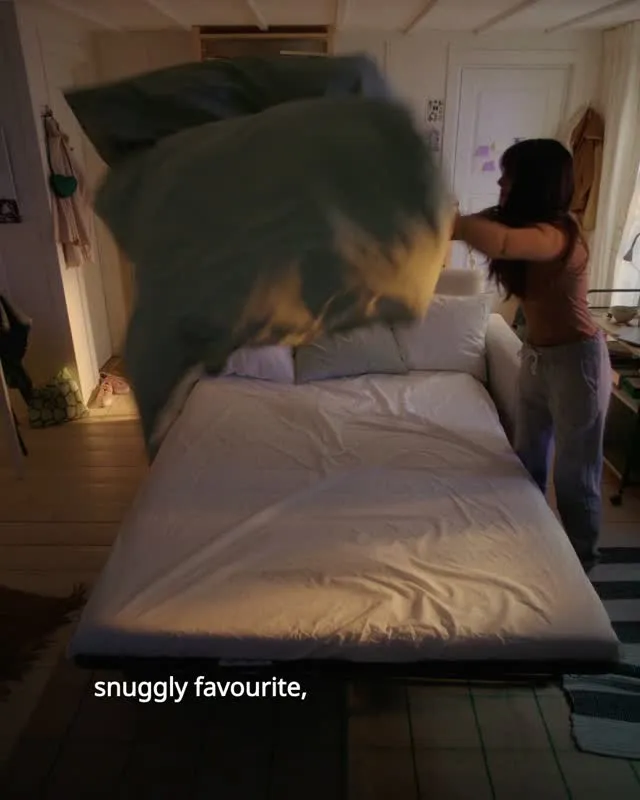 IKEA
Place two lab-test close-ups between bedroom scenes to back the bedding's softness
 Claude
Explain institutional work through specific experiments and named researchers
 Wealthsimple
Reveal the miniature card set, then pull back to props, rig and poster
 Airtasker
Show a staff volunteering day through matching branded T-shirts at work
These posts belong to Magnific AI, and each links to the original on Instagram. They’re shown here to study and comment on. Curatit isn’t affiliated with Magnific AI. To ask for a post to be removed, use Contact at the foot of the page.
Read every breakdown in full
A free account opens every post in the library, the main idea of each breakdown, and boards to save and share posts. The full breakdowns, with the decisions behind each post, its design slide by slide and its colours, come with search by idea in the paid plans.