Magnific AI Instagram posts, broken down
33 posts from Magnific AI’s own Instagram account: 33 carousels, posted between August and November 2026. Each one has a breakdown of why it works, drafted by AI and approved by an editor, and links to the original.
What Magnific AI posts most here: Product showcase (16), How to use (4) and Feature launch (3). Filed under Graphics & Design.
Every Magnific AI post
 Magnific AI
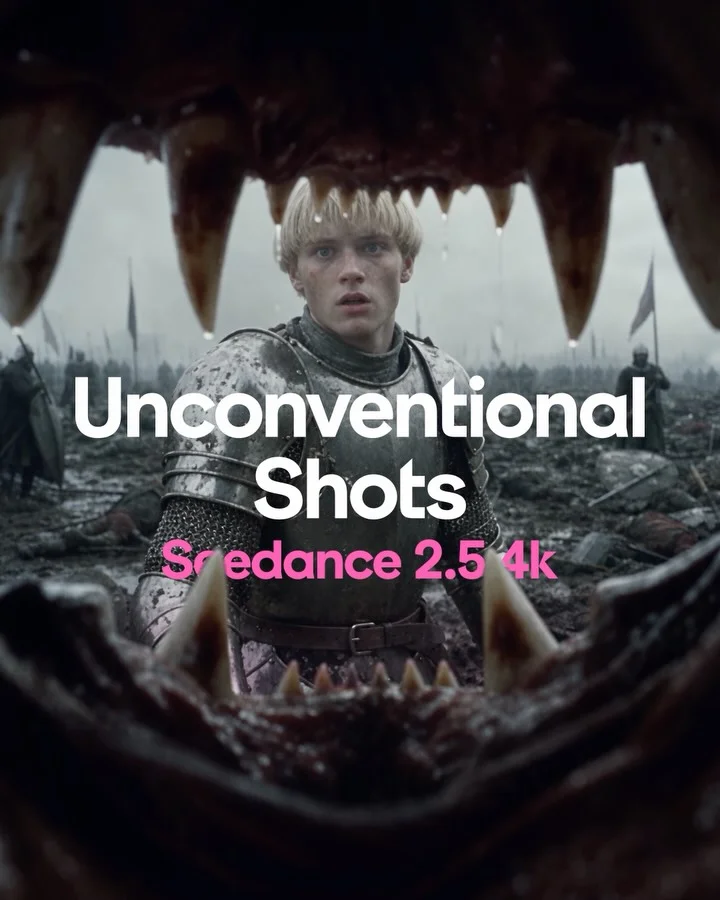
Teach seven camera angles inside one medieval battle so only the shot changes
 Magnific AI
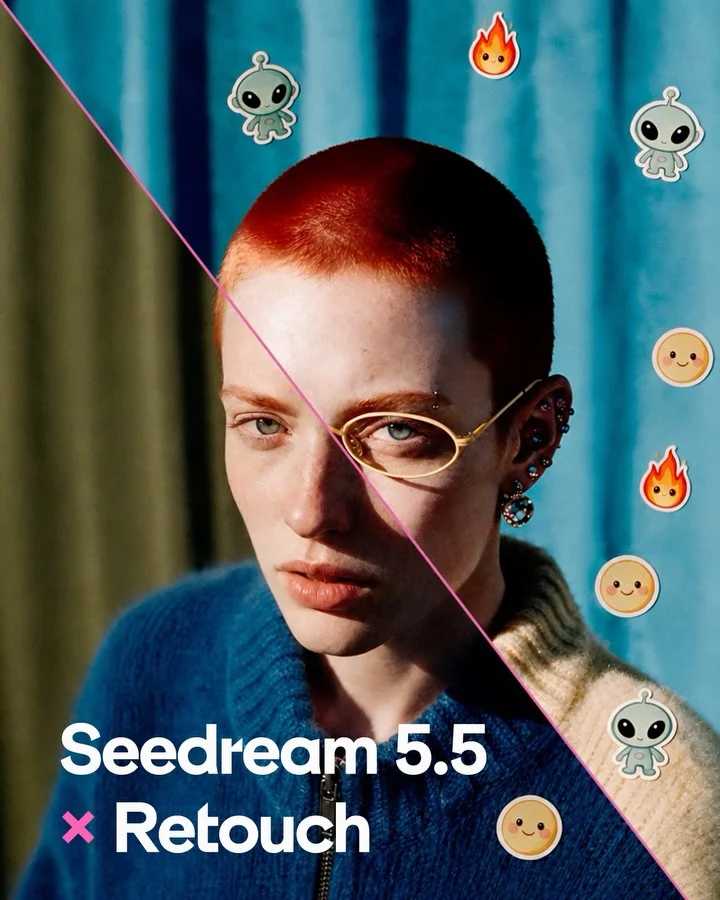
Split one portrait diagonally into original and retouched to launch an editing model
 Magnific AI
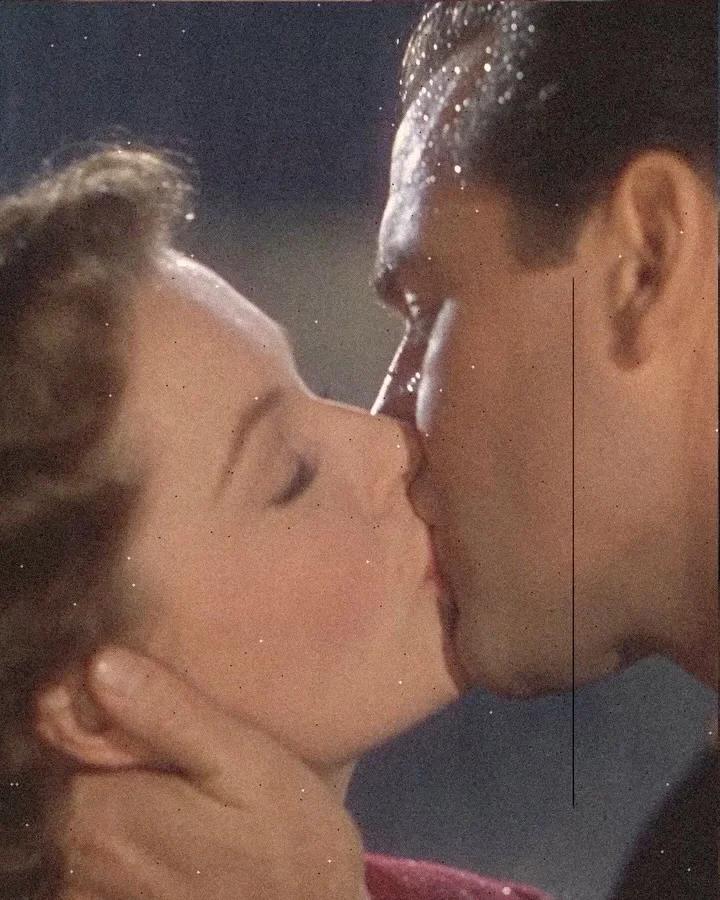
Present motion recipes as aged collage plates with paper-cut figures and film damage
 Magnific AI
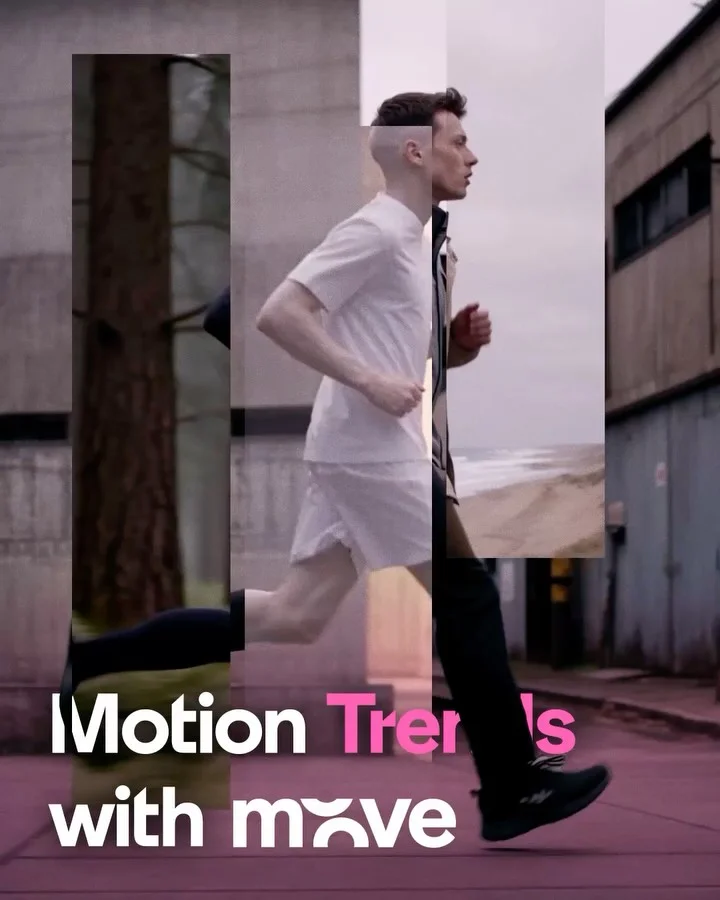
Freeze eight motion effects mid-transition so each reads in a still frame
 Magnific AI
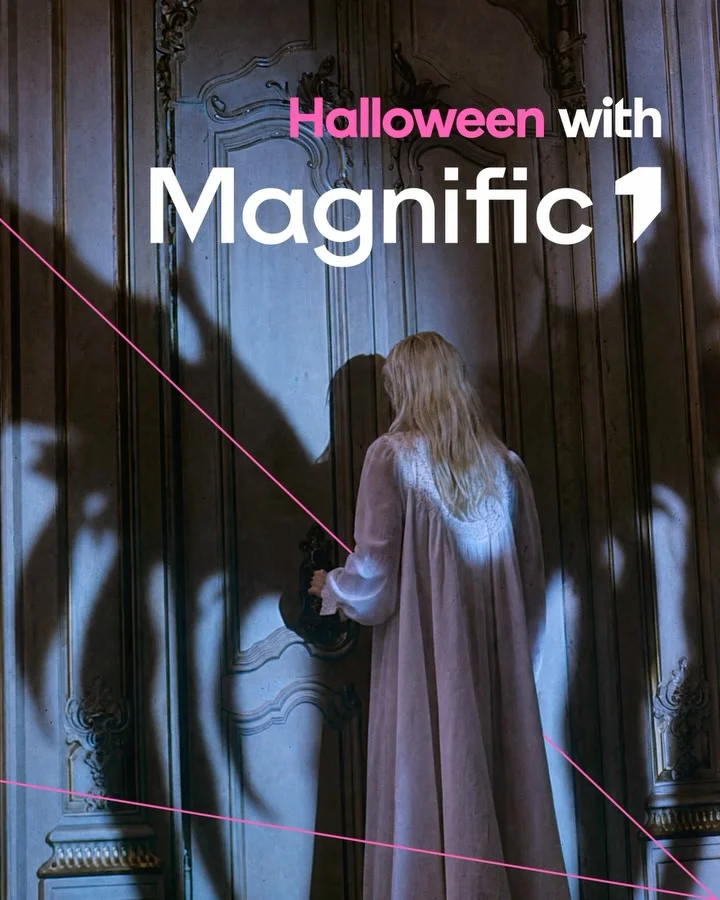
Suggest Halloween horror through shadows and traces in six cold-graded stills
 Magnific AI
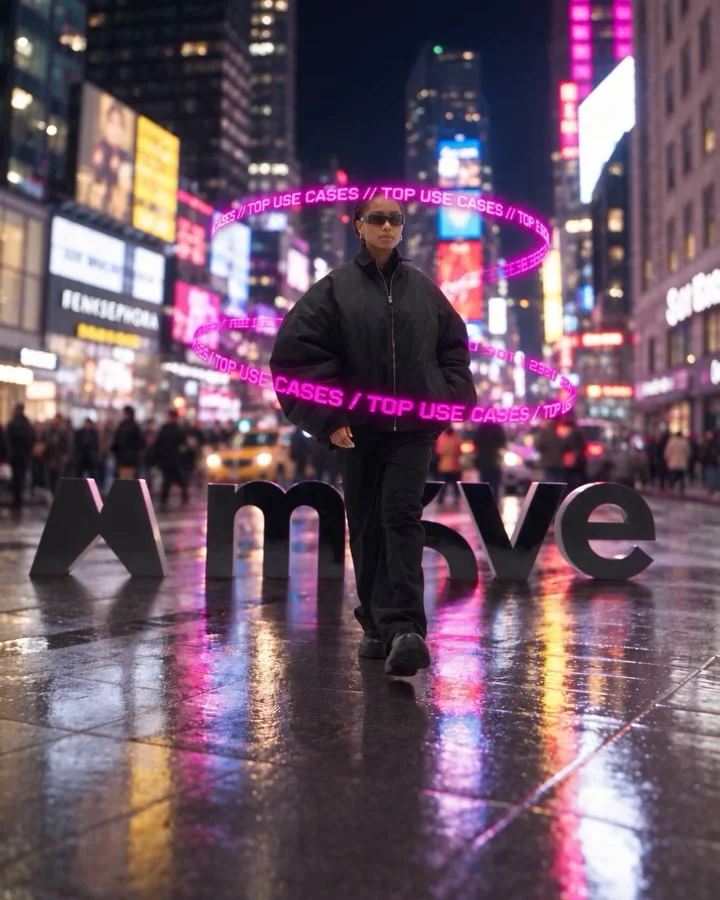
List eight motion-graphic uses as numbered stills, one design genre per frame
 Magnific AI
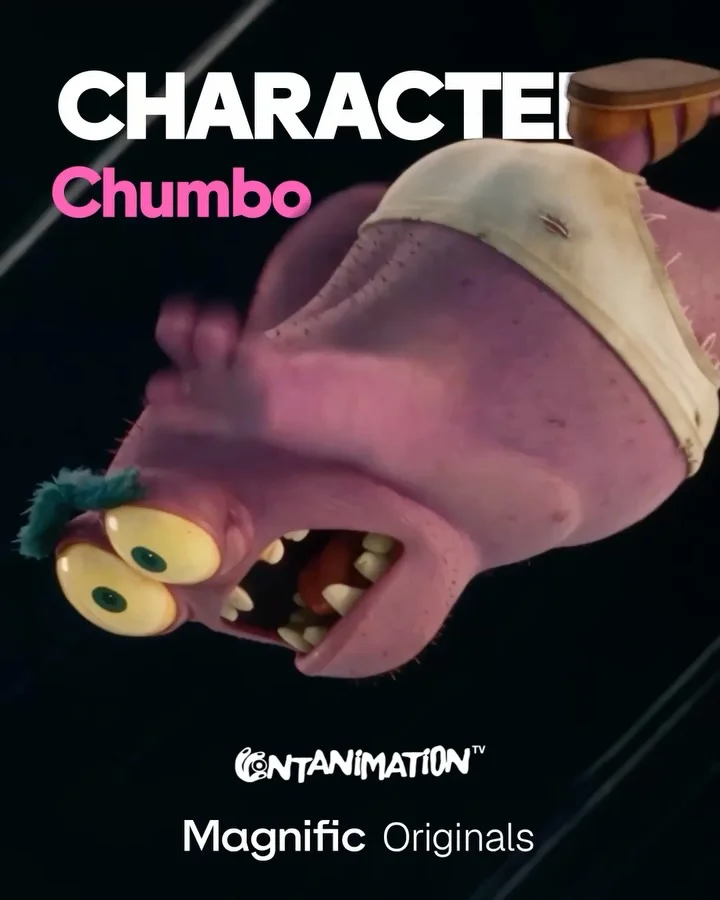
Introduce an episode’s neighbours through film stills with growing reference strips
 Magnific AI
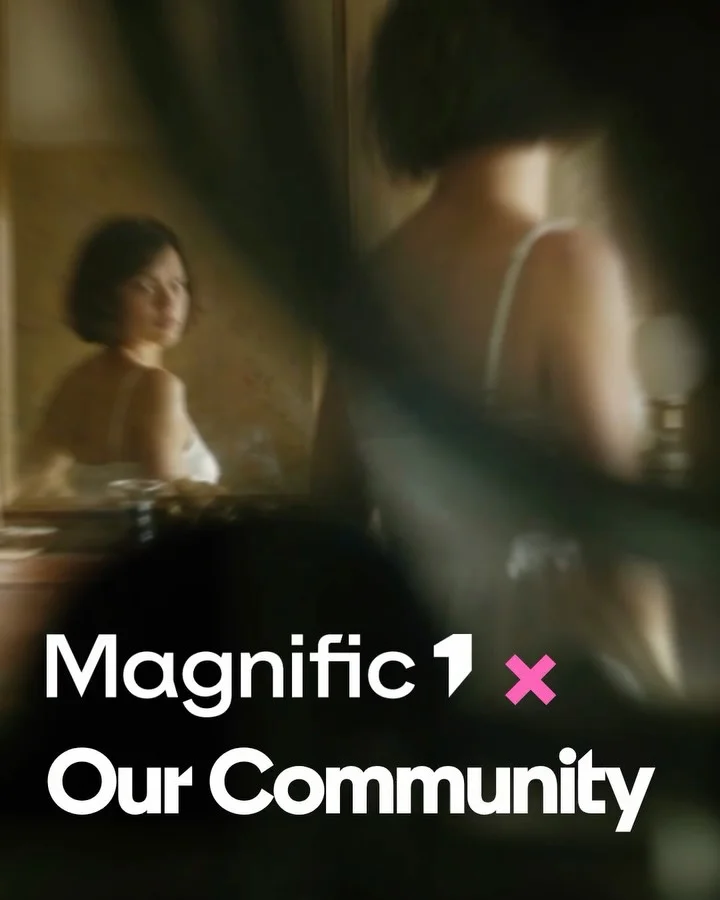
Credit each community creator with a speech-bubble handle on their generated image
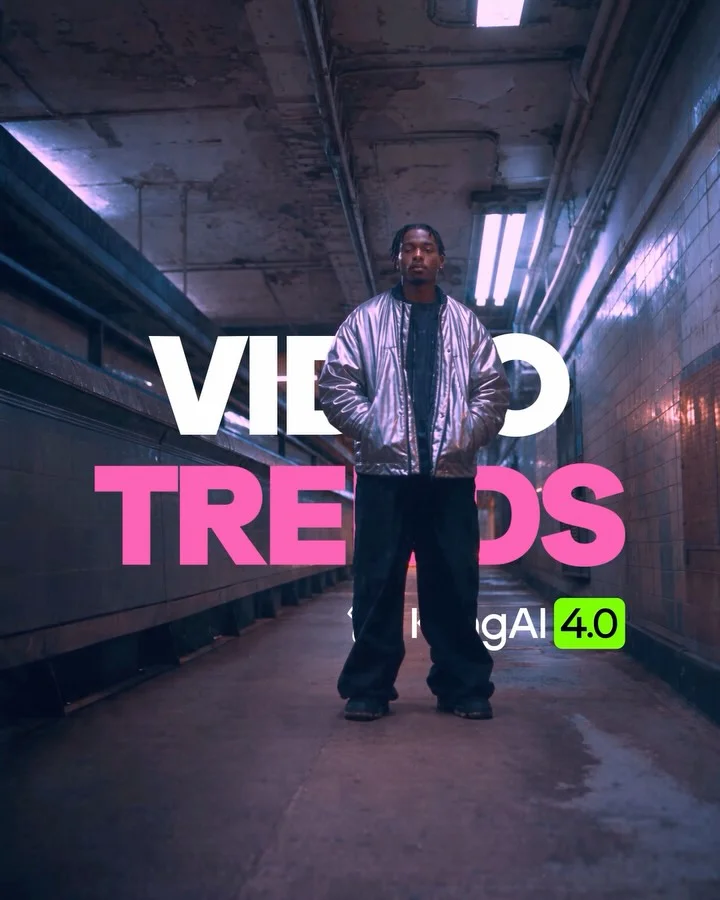 Magnific AI
Index eight video effects with one numbered label bar on varied reference stills
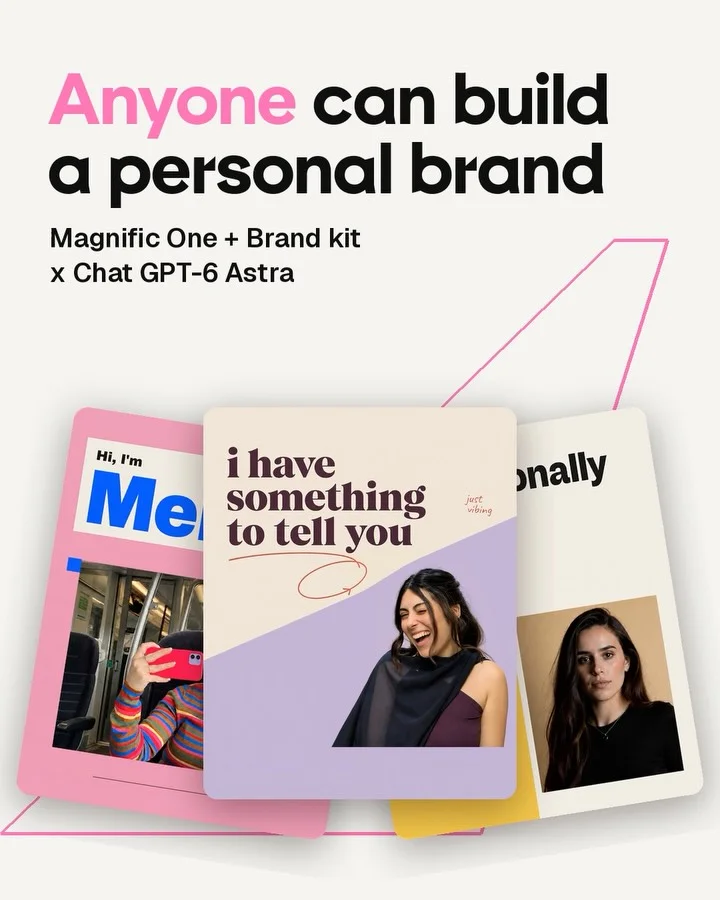 Magnific AI
Fan three personal-brand posters on the cover, then alternate each with chat
 Magnific AI
Turn one invented noodle brand into a step-by-step tutorial ending on its ad
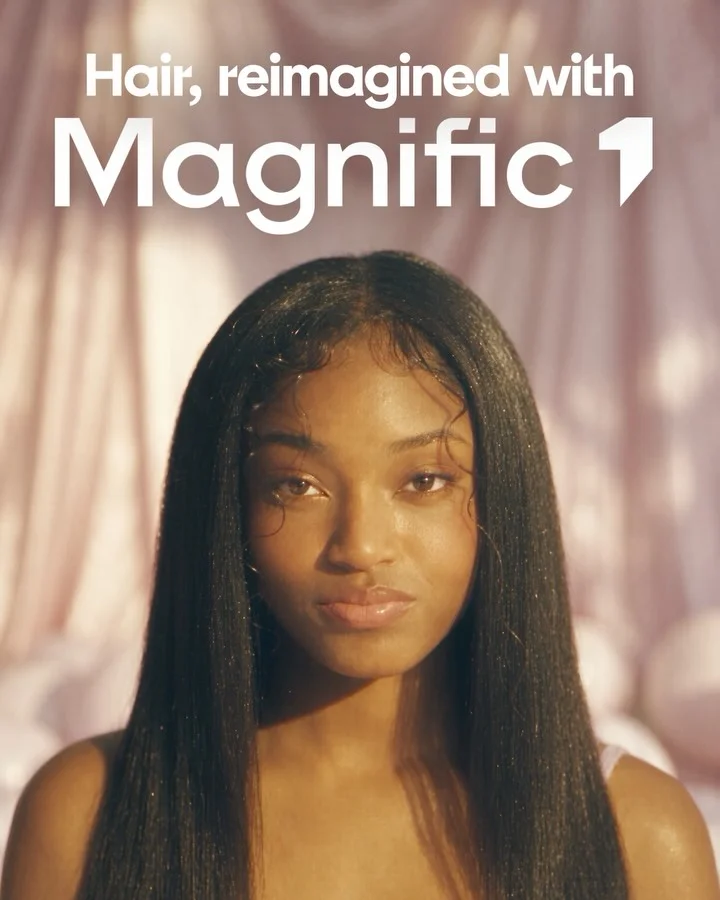 Magnific AI
Bookend a hairstyle gallery with one model before and after a change
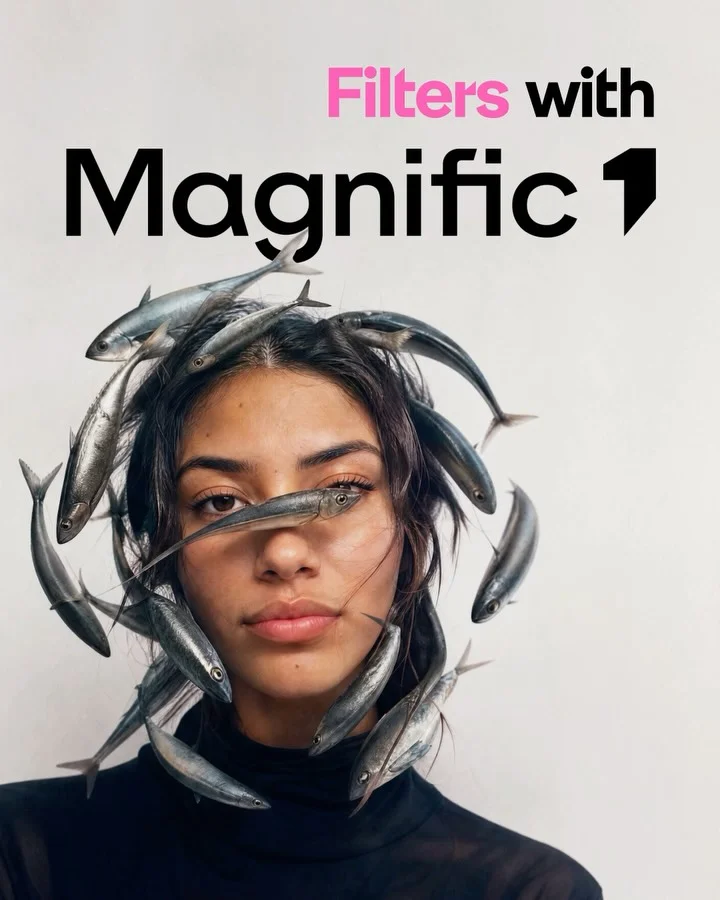 Magnific AI
Show each named filter’s result large with the untouched photo inset beside it
 Magnific AI
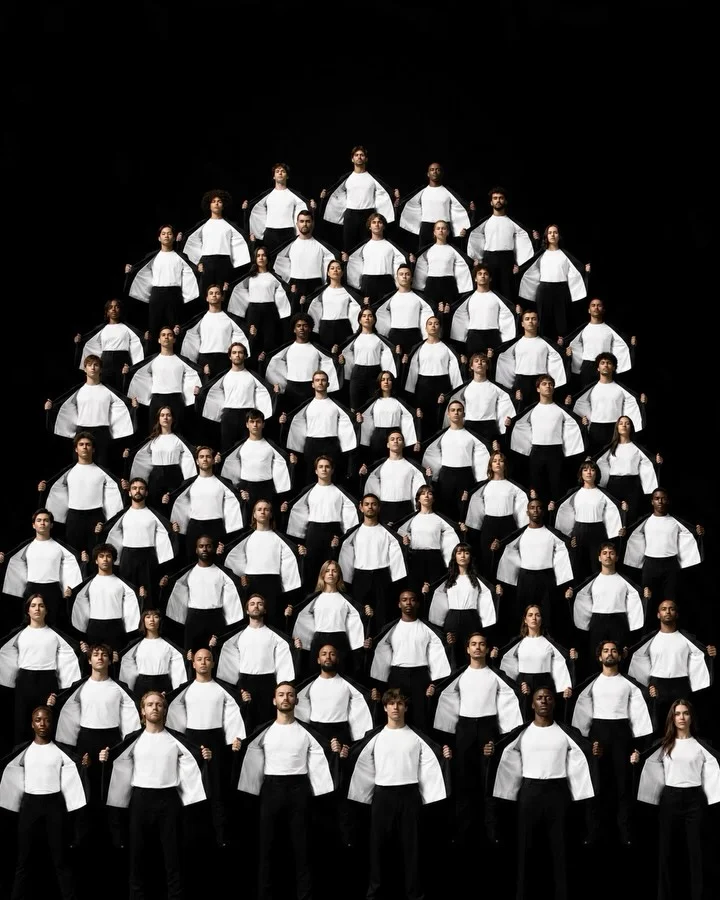
Picture a follower milestone as a human pyramid, then narrow to one person
 Magnific AI
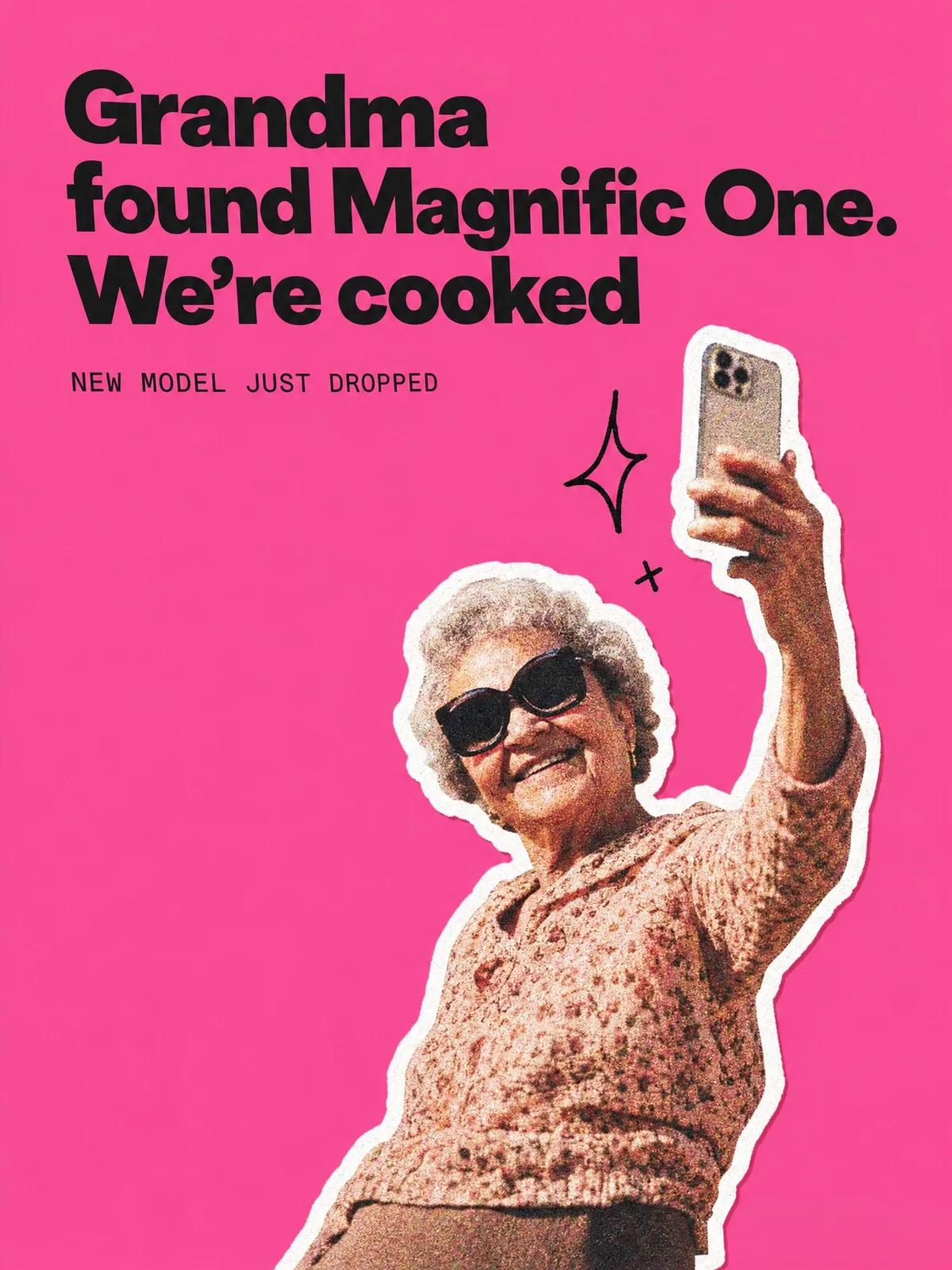
Announce a model launch as a pack of meme stickers on hot pink
 Magnific AI
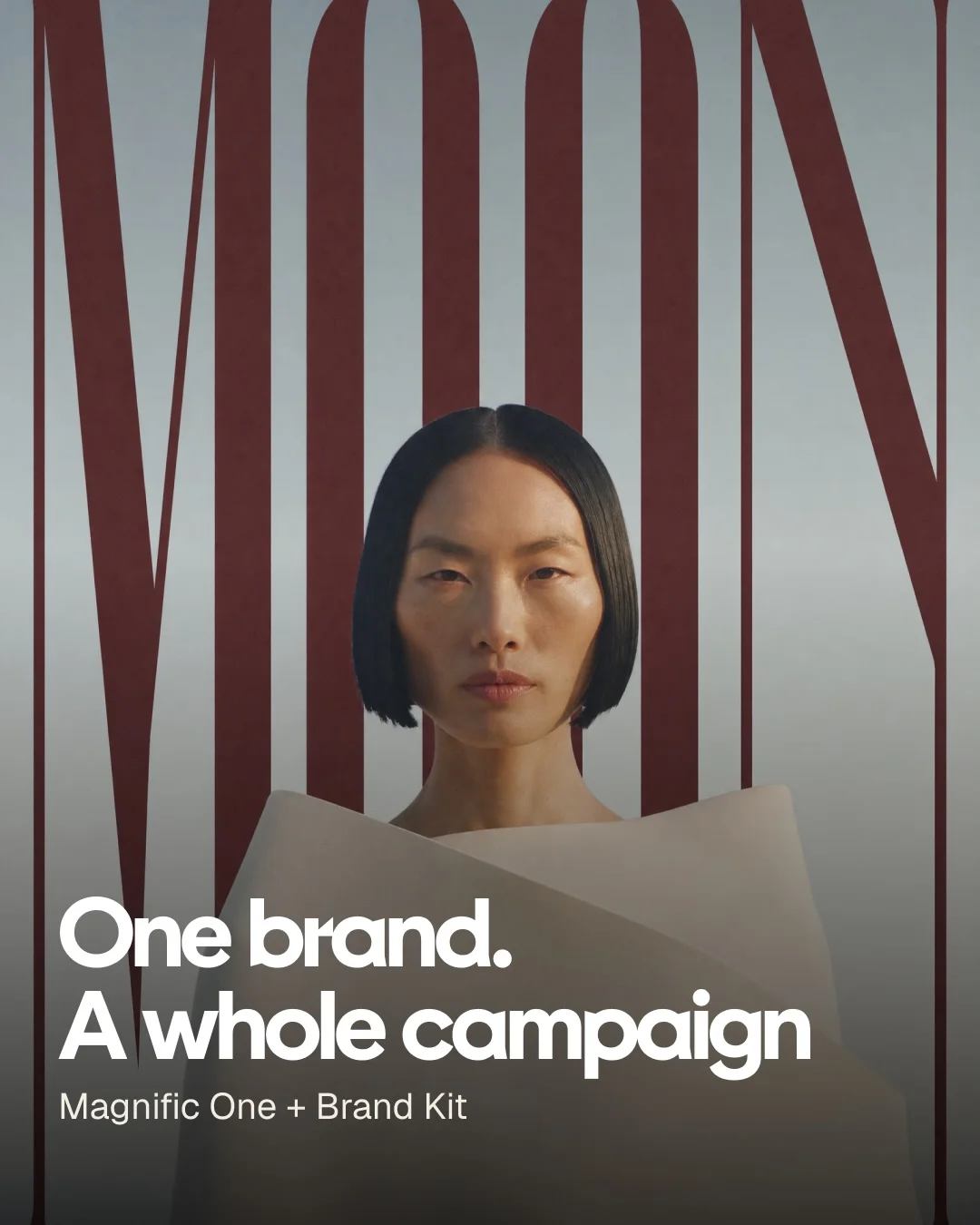
Walk a fictional jewellery brand from palette swatches to a consistent campaign
 Magnific AI
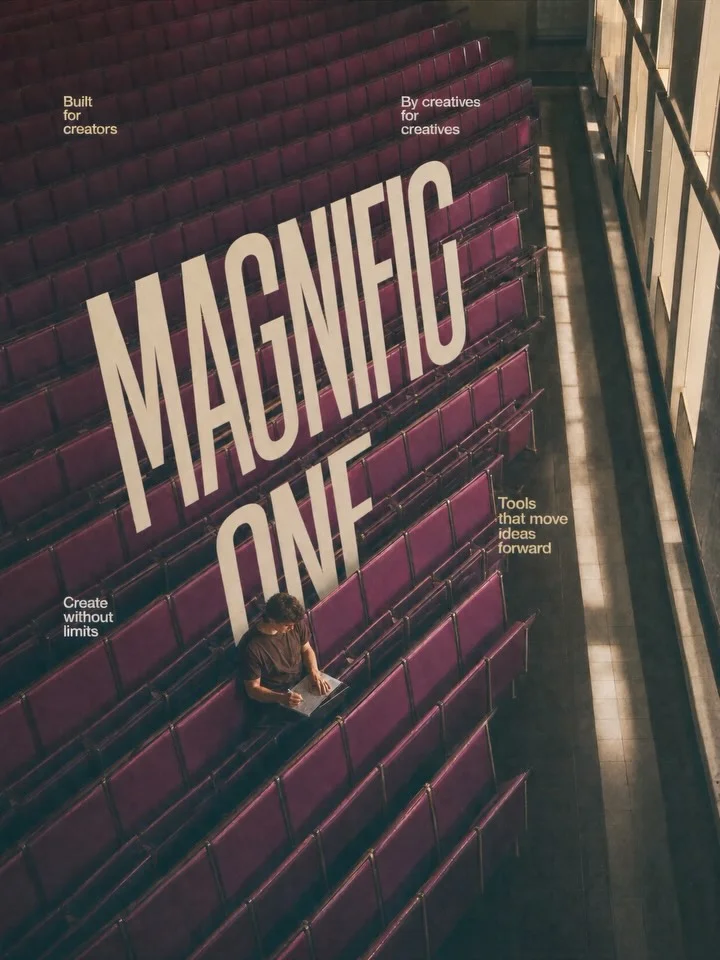
Set brand slogans inside each scene’s perspective so type becomes the image
 Magnific AI
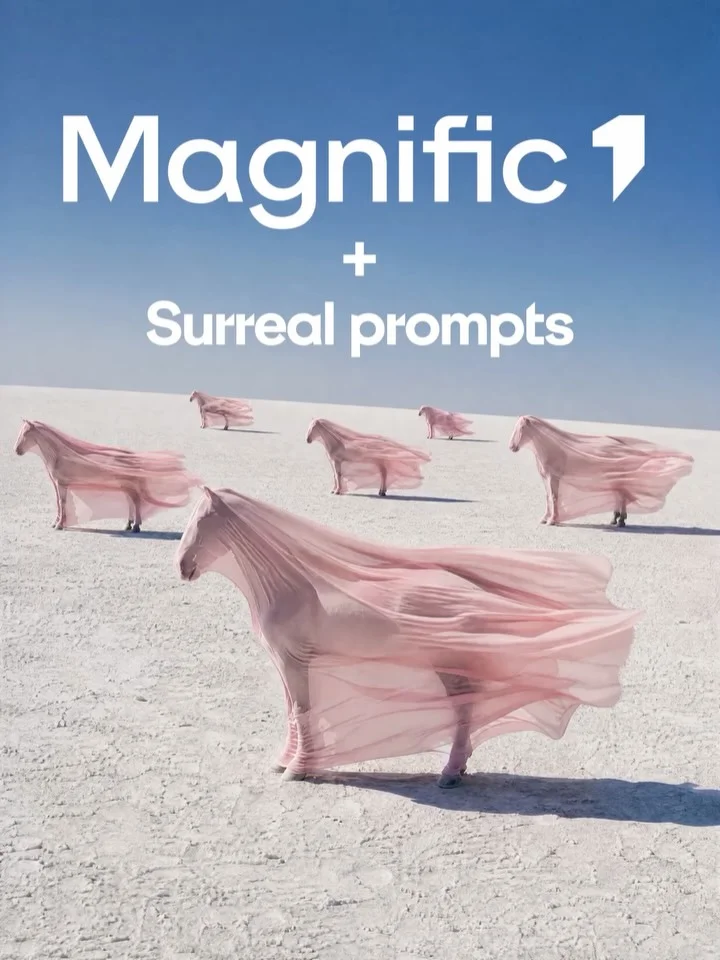
Hold eleven surreal scenes to one sky-blue, pink and white palette
 Magnific AI
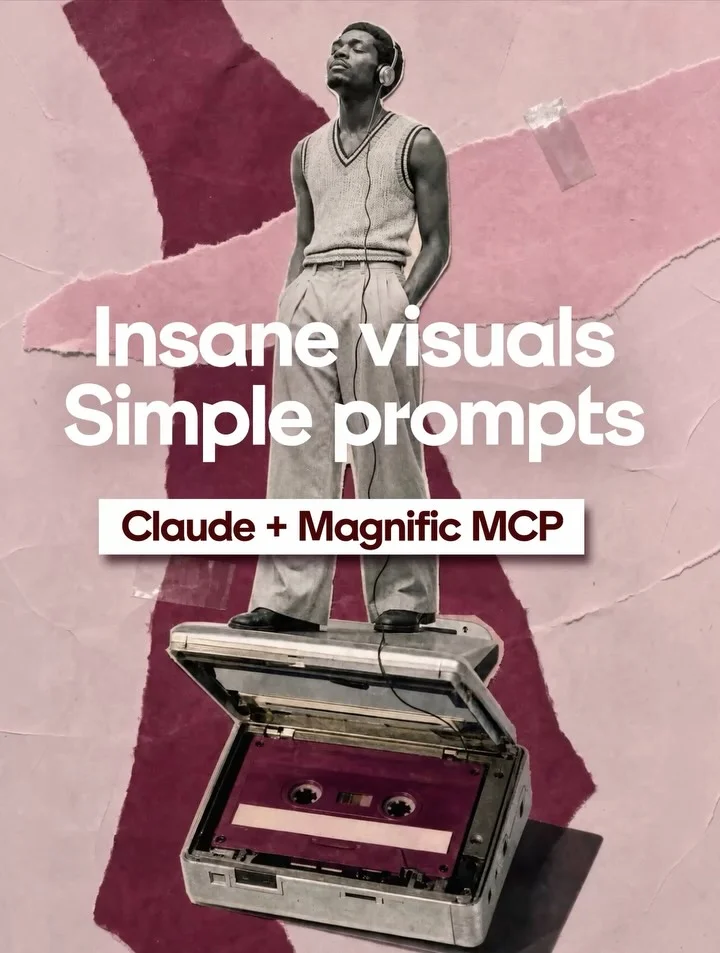
Show seven style grids under one prompt bar, then tease the unnamed model
 Magnific AI
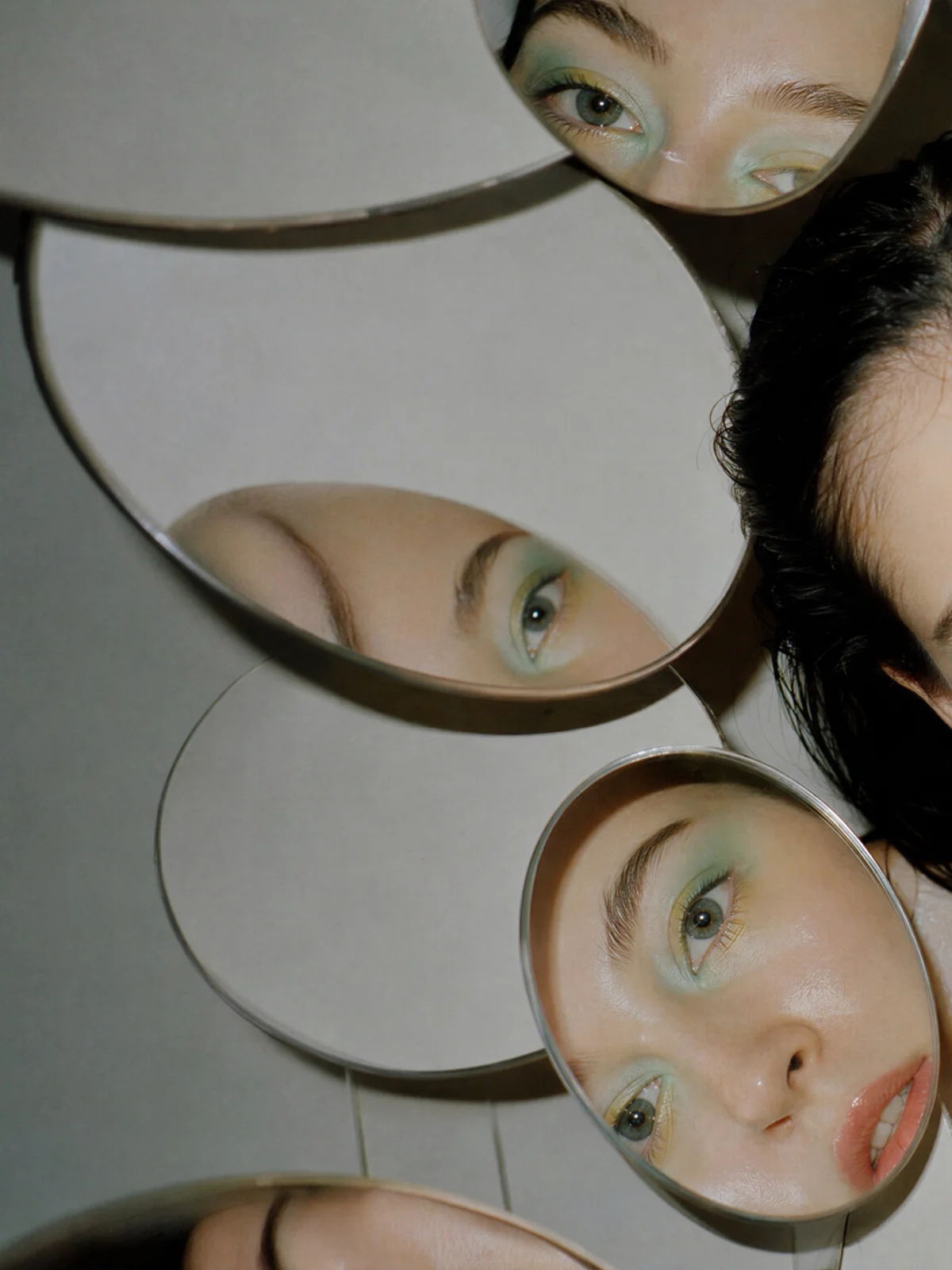
Stitch eighteen generated scenes into one seamless panorama ending on a teaser
 Magnific AI
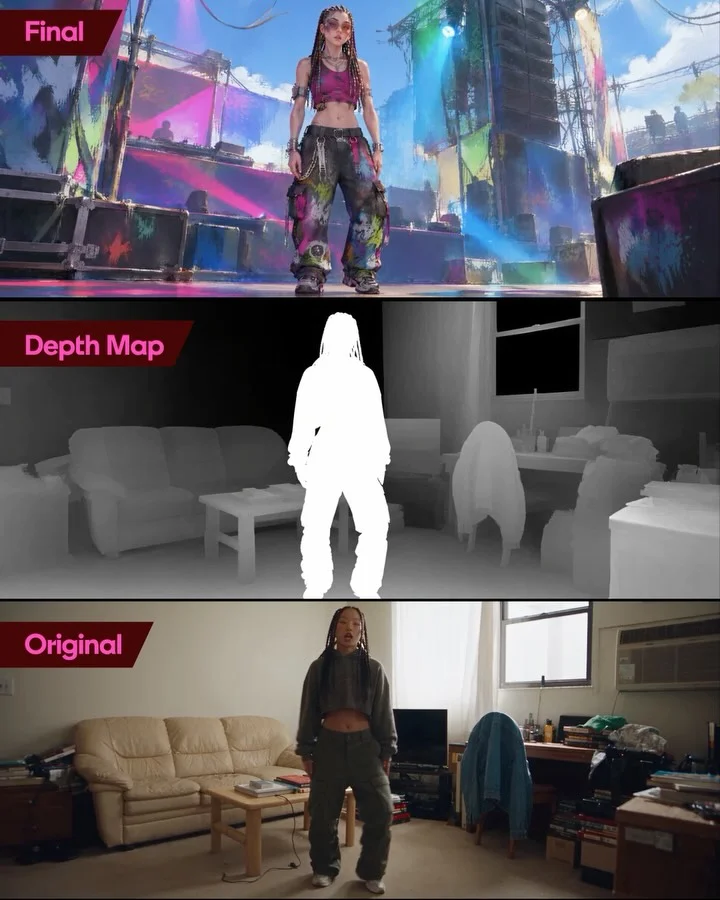
Explain a motion-transfer workflow by stacking final, depth map and original frames
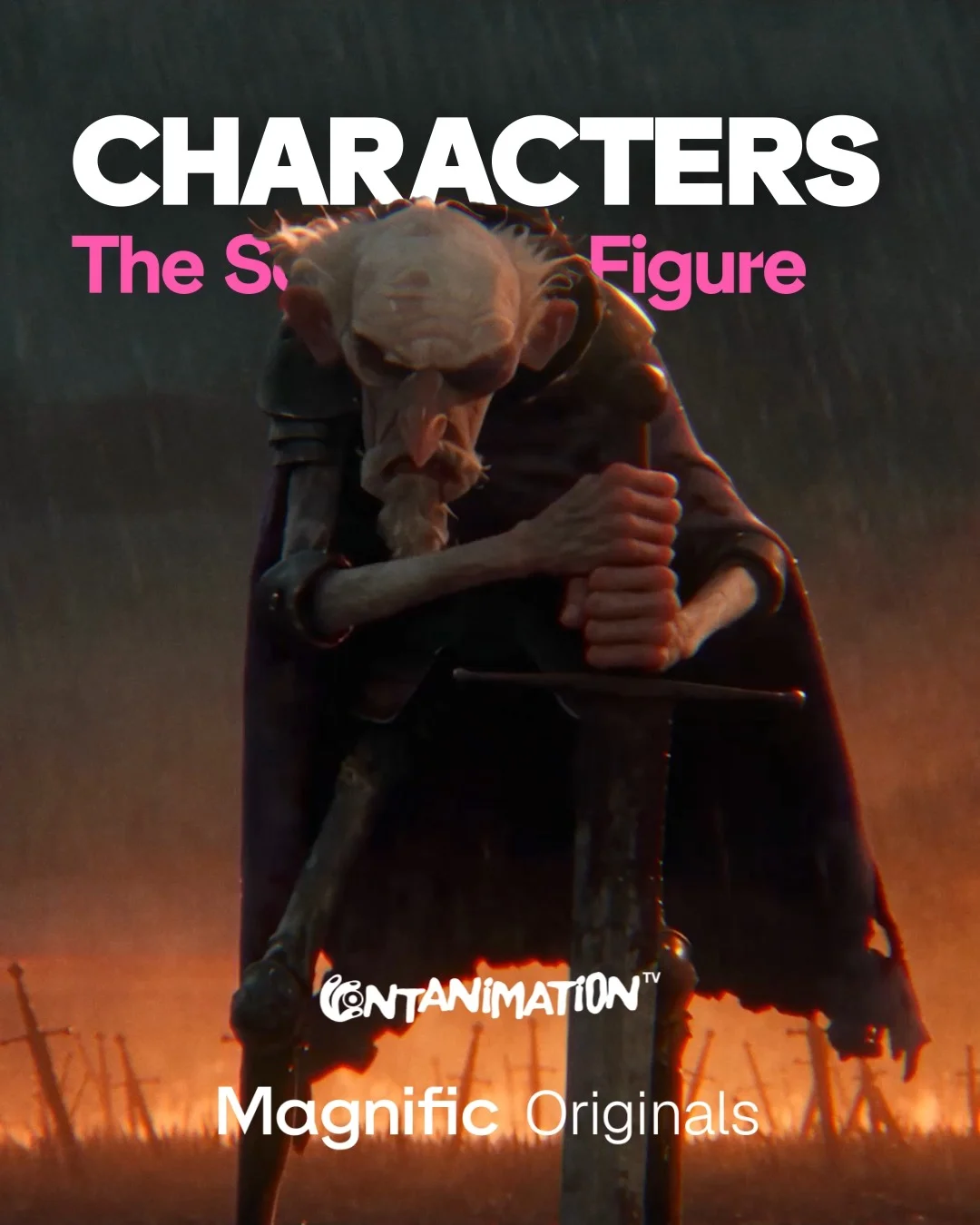 Magnific AI
Pair each animated film still with the character sheets that generated it
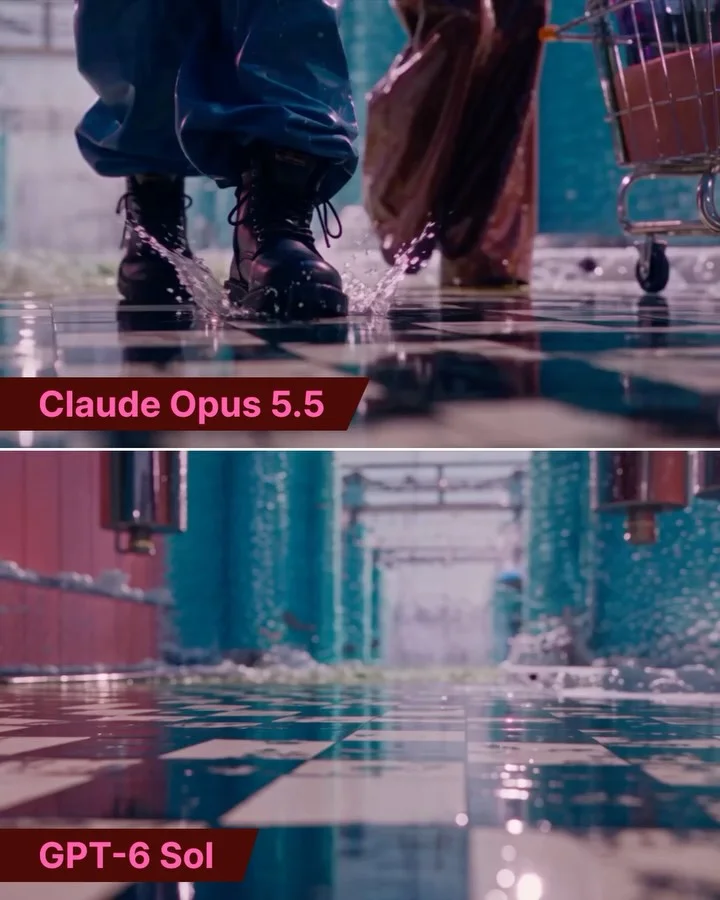 Magnific AI
Stack two models’ takes on one brief in every frame for comparison
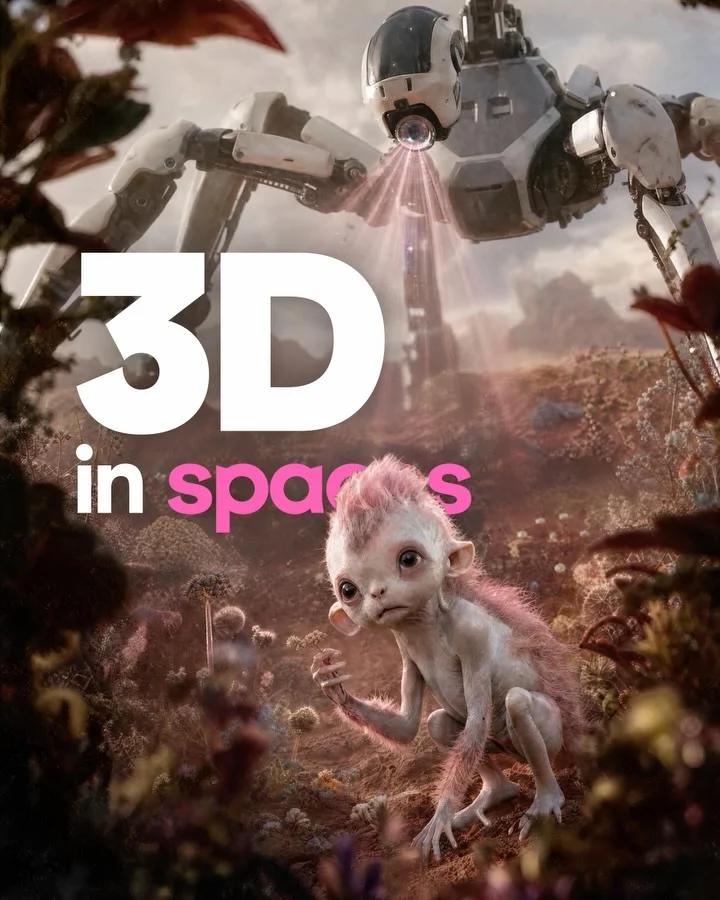 Magnific AI
Follow one robot asset through five numbered steps from upload to scene
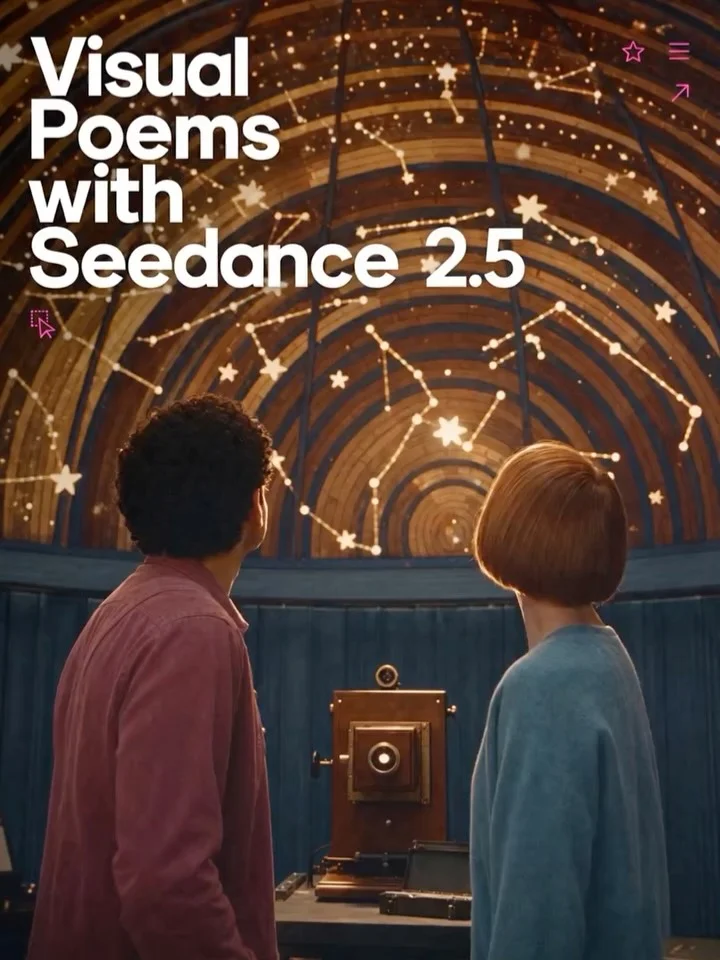 Magnific AI
Follow a titled cover with six wordless still lifes held in one warm palette
 Magnific AI
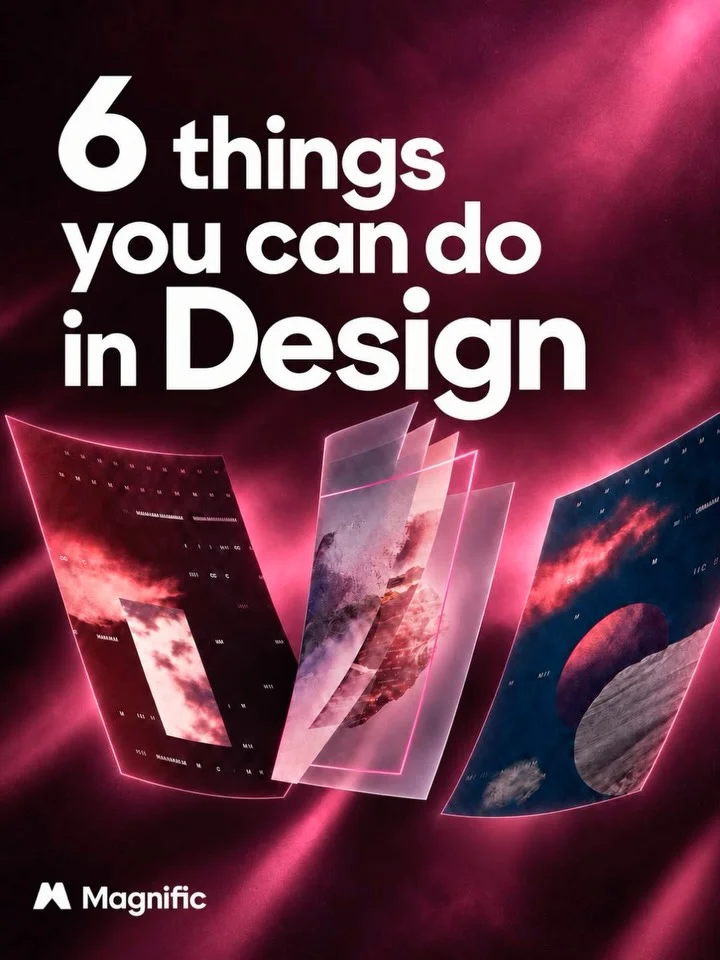
Demonstrate six Design features on a canvas that repeats each slide’s headline
 Magnific AI
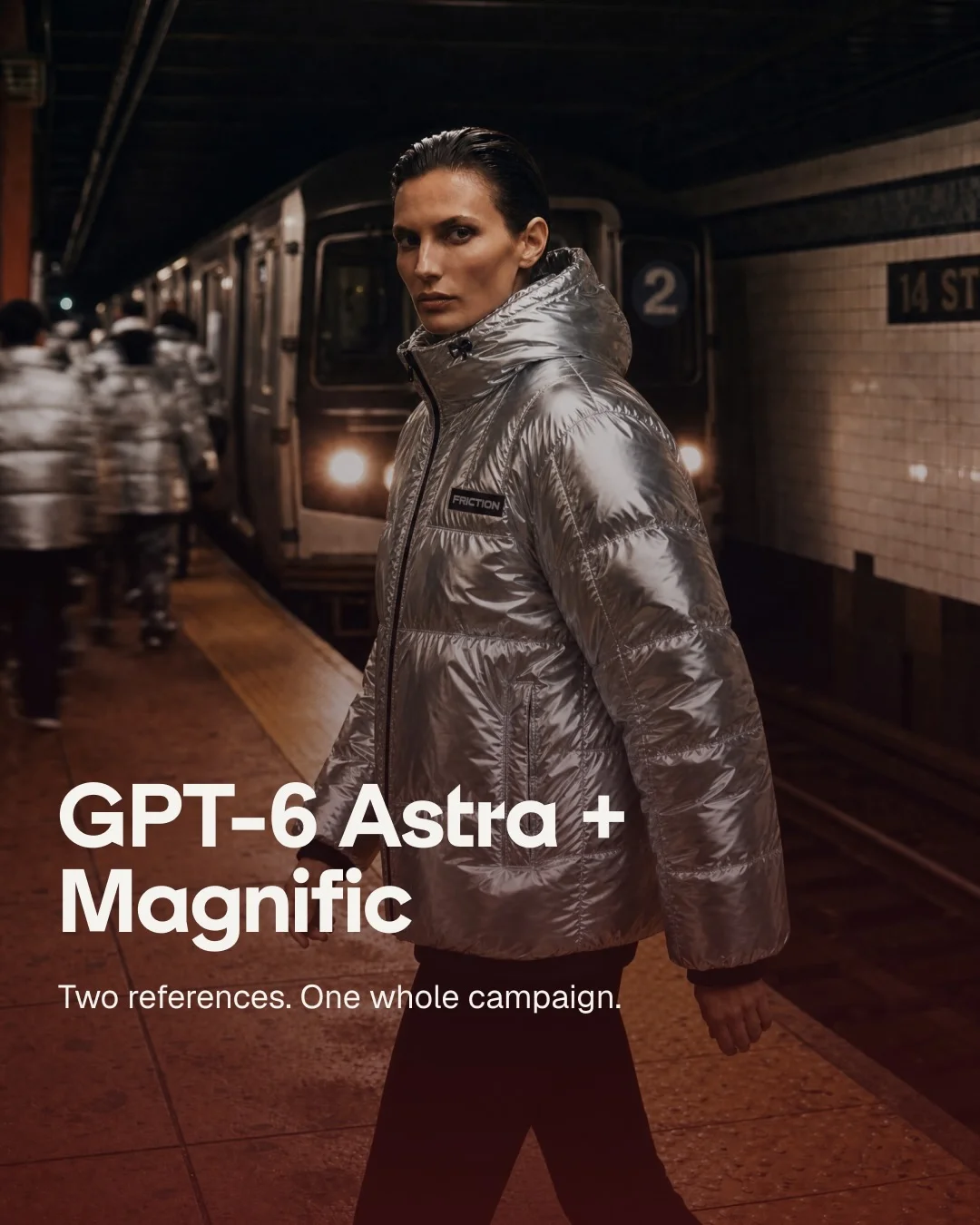
Walk from two reference images to each finished campaign deliverable, one per slide
 Magnific AI
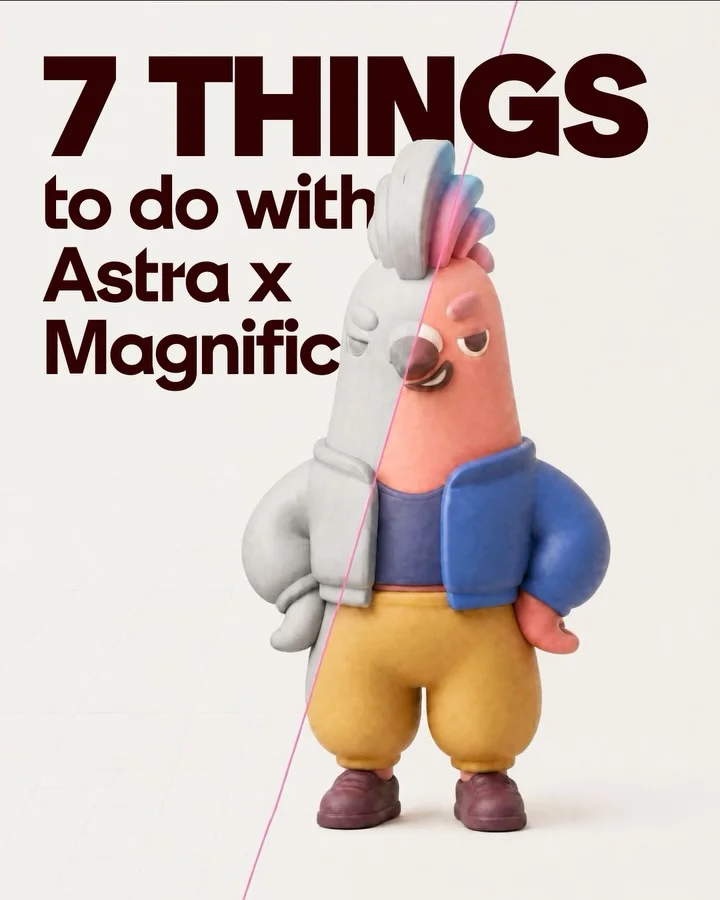
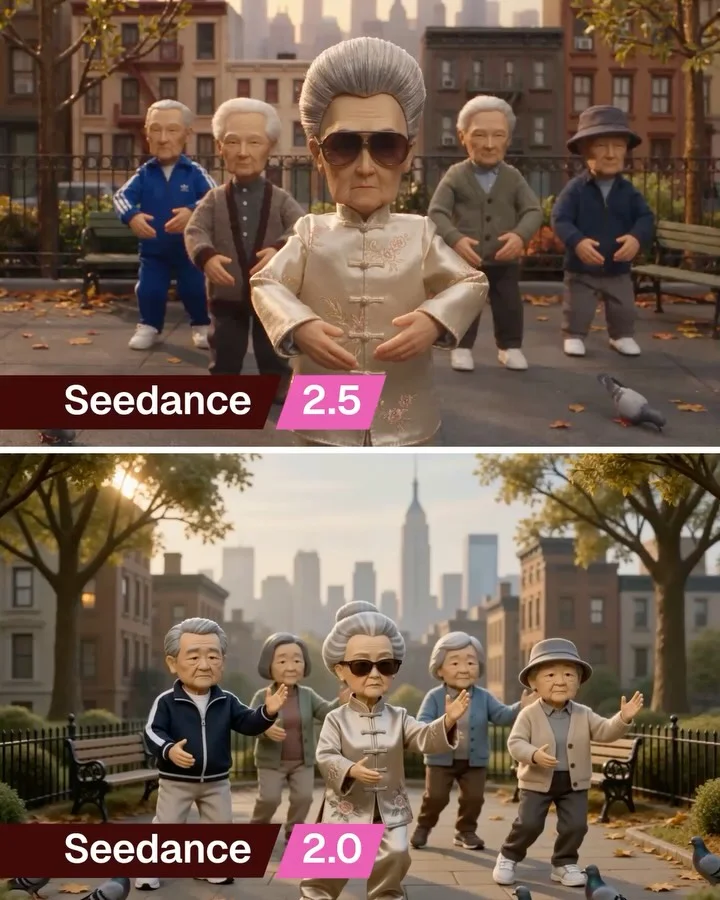
Number seven use cases on one recurring banner over finished Astra-branded outputs
 Magnific AI
Stack two model versions' outputs for one prompt in twelve labelled split frames
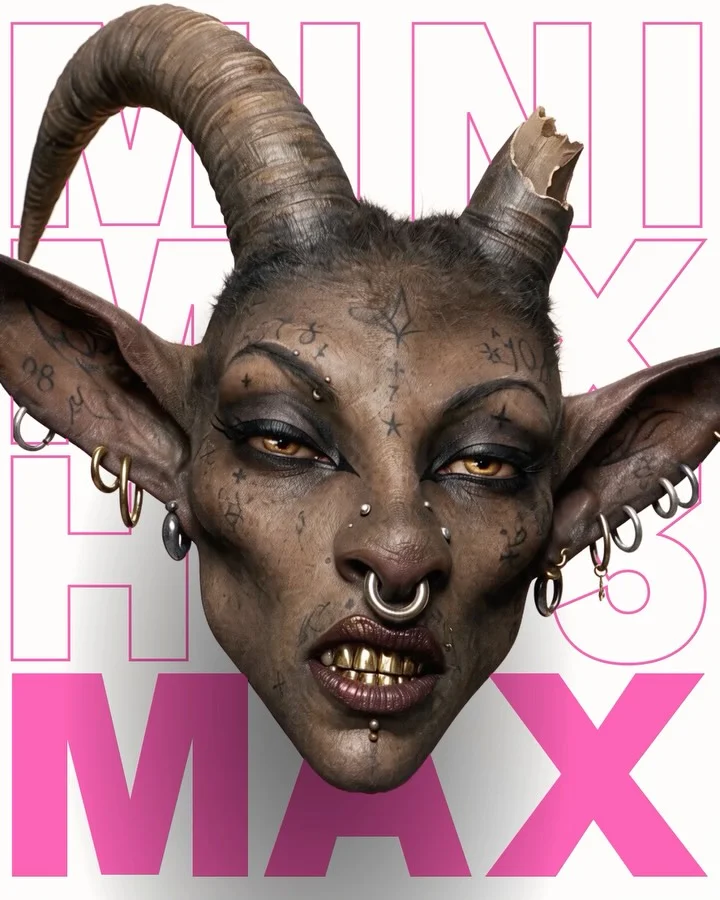 Magnific AI
Present six generated creature heads as collectible cards with a loading label
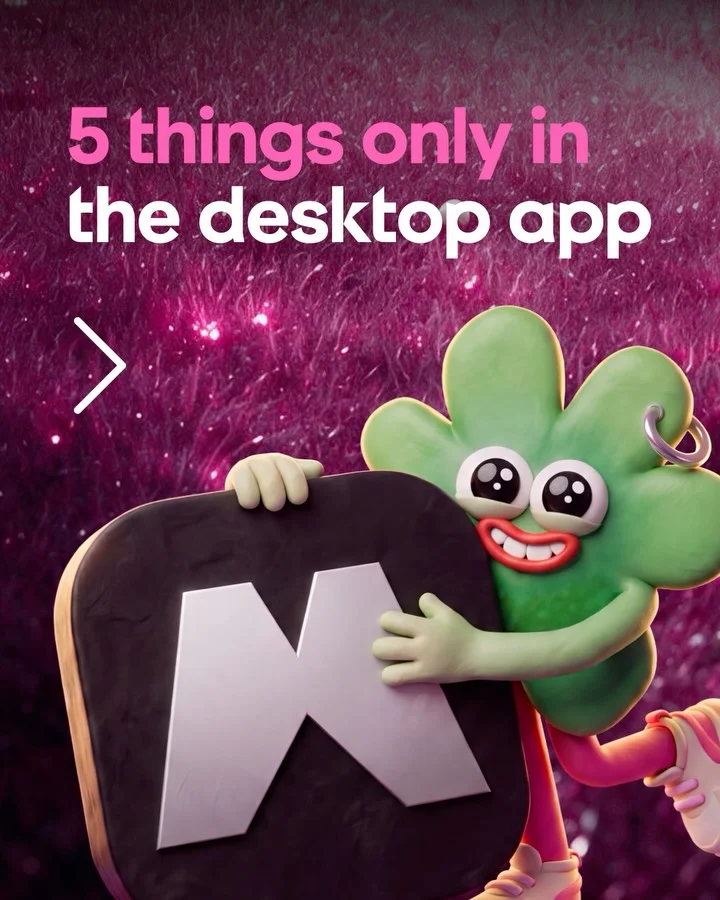 Magnific AI
Number five desktop-app features over one glittering backdrop, ending on a keyword
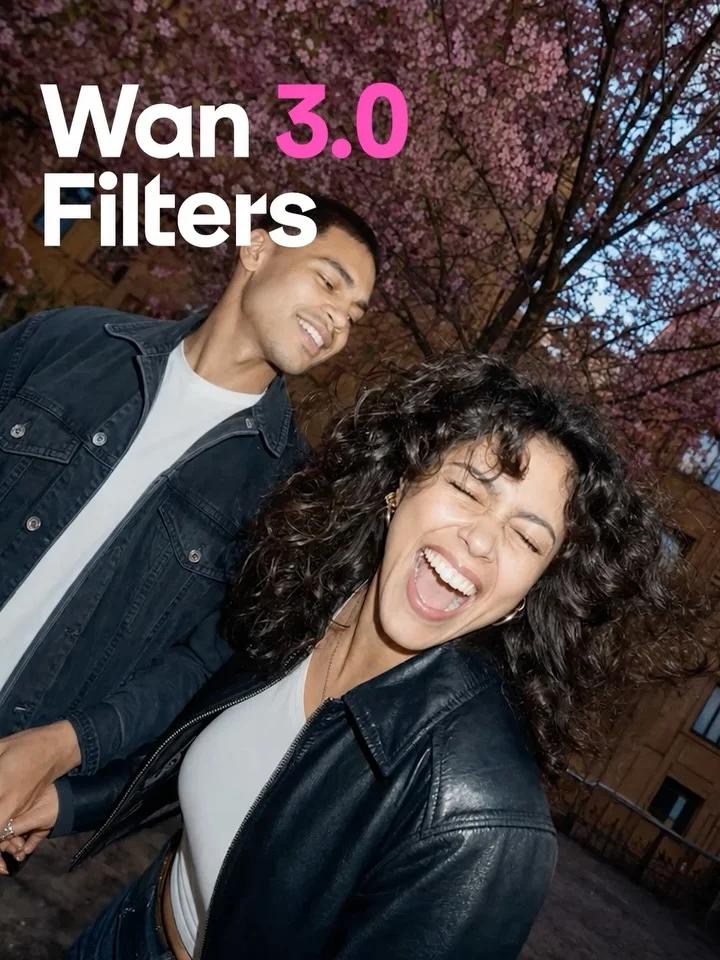 Magnific AI
Name one filter effect per slide with a uniform ribbon label
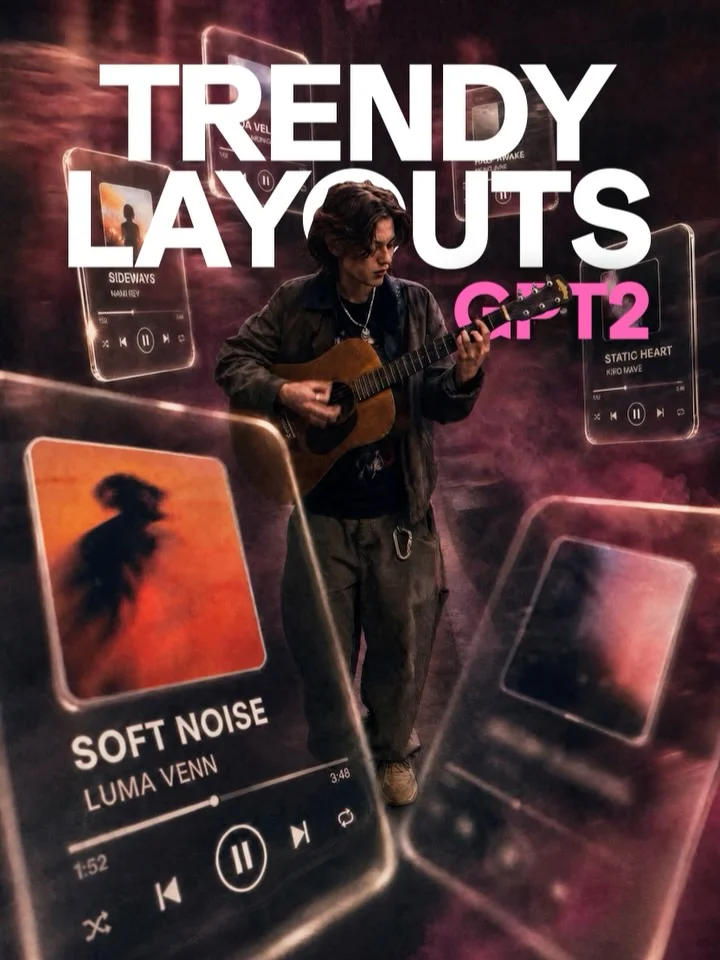 Magnific AI
Show ten editorial layouts as before-and-after pairs on one repeated template
Other Graphics & Design brands
These posts belong to Magnific AI, and each links to the original on Instagram. They’re shown here to study and comment on. Curatit isn’t affiliated with Magnific AI. To ask for a post to be removed, use Contact at the foot of the page.
Read every breakdown in full
A free account opens every post in the library, the main idea of each breakdown, and boards to save and share posts. The full breakdowns, with the decisions behind each post, its design slide by slide and its colours, come with search by idea in the paid plans.