Canva Instagram posts, broken down
10 posts from Canva’s own Instagram account: 10 carousels, posted between September and October 2026. Each one has a breakdown of why it works, drafted by AI and approved by an editor, and links to the original.
What Canva posts most here: Feature explainer (2), Announcement (1) and Collaboration (1). Filed under Graphics & Design.
Every Canva post
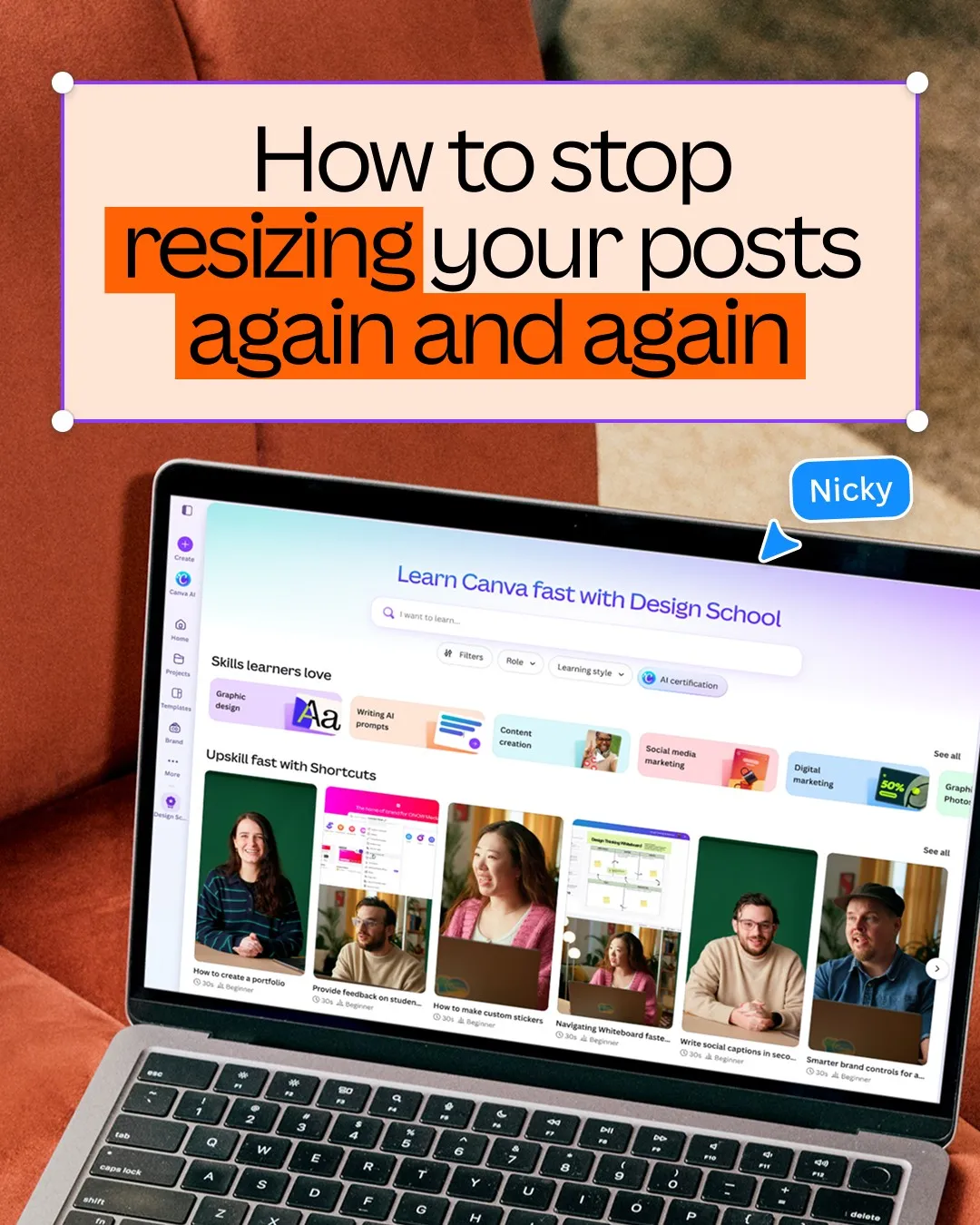 Canva
Frame repeated resizing as a problem one design can solve
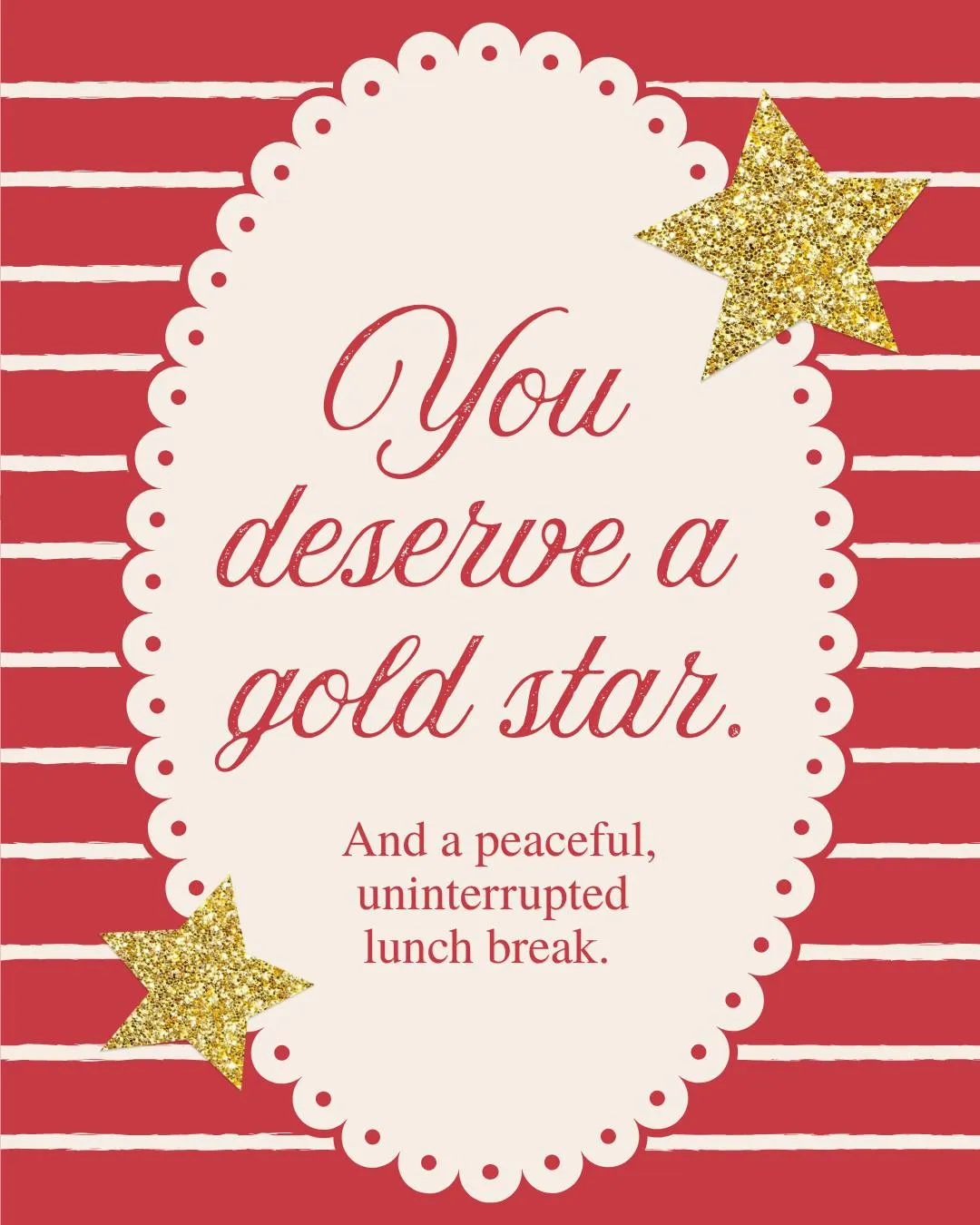 Canva
Make teacher appreciation feel personal through familiar classroom materials
 Canva
Make a learning community concrete through its weekly participation rhythm
 Canva
Frame learning as both a small victory and a late-night habit
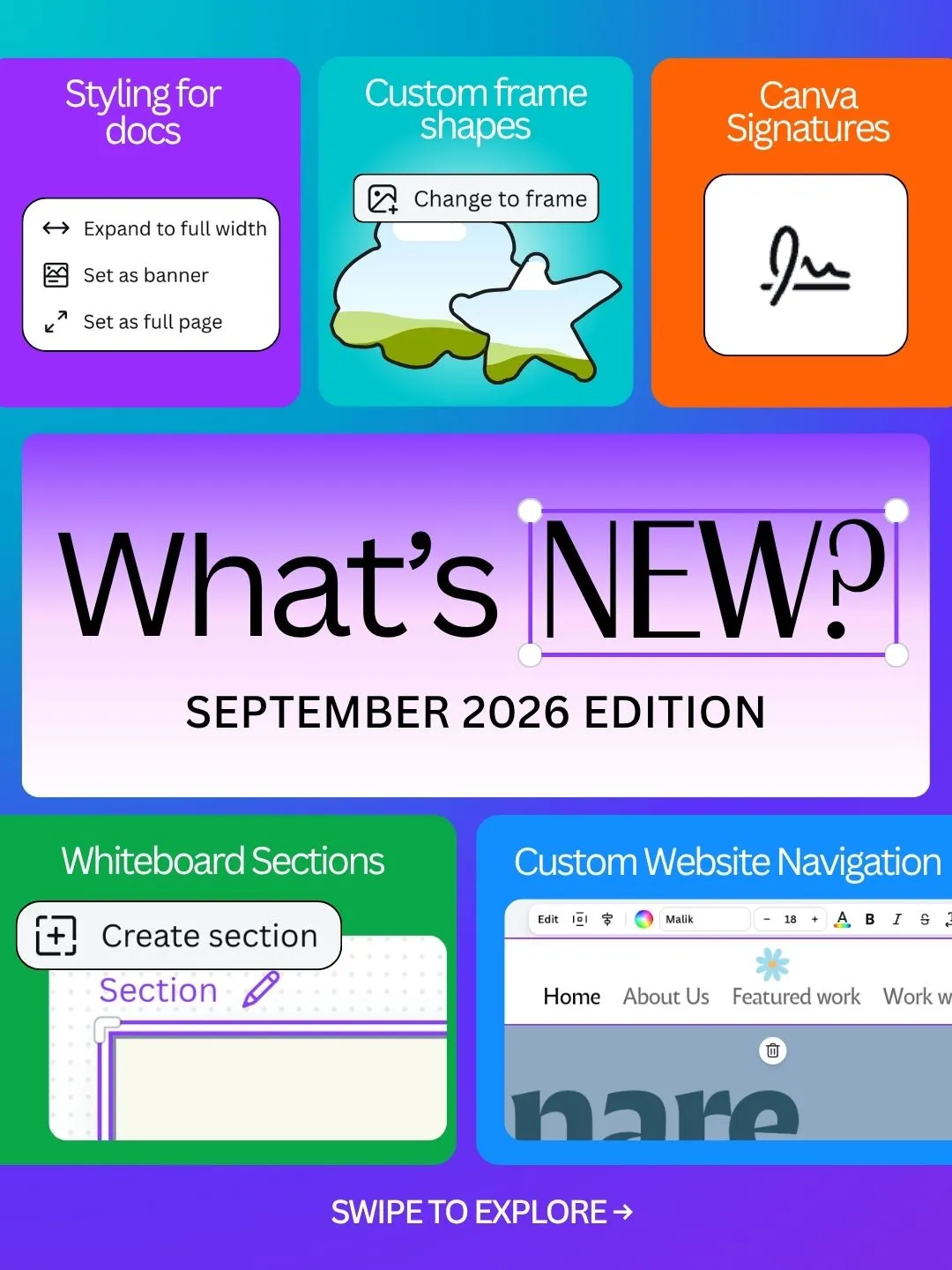 Canva
Turn a monthly release list into one feature per slide
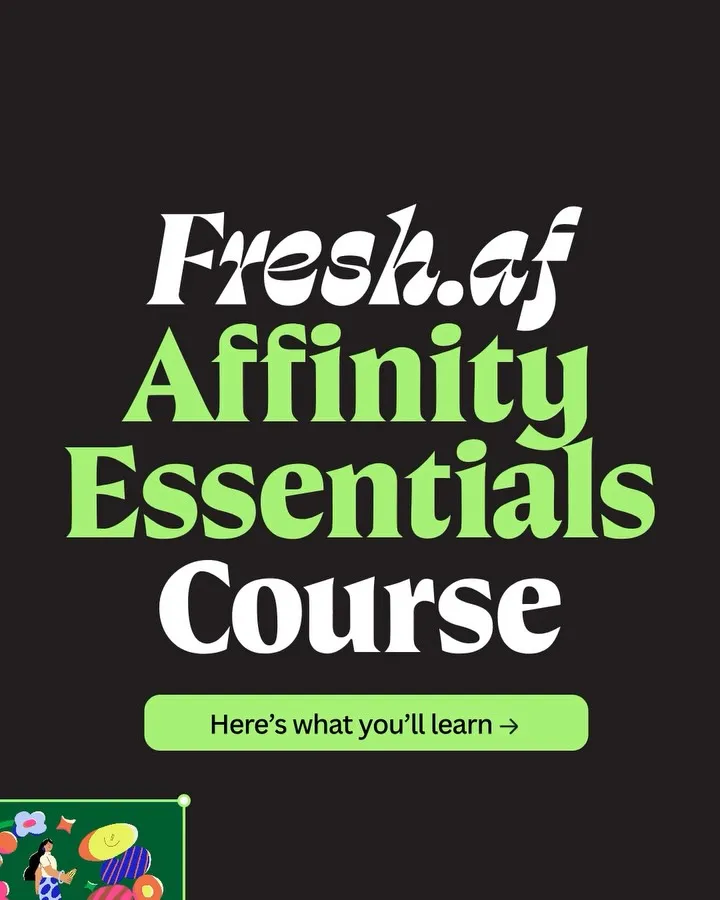 Canva
Sell a design course through the outputs each lesson enables
 Canva
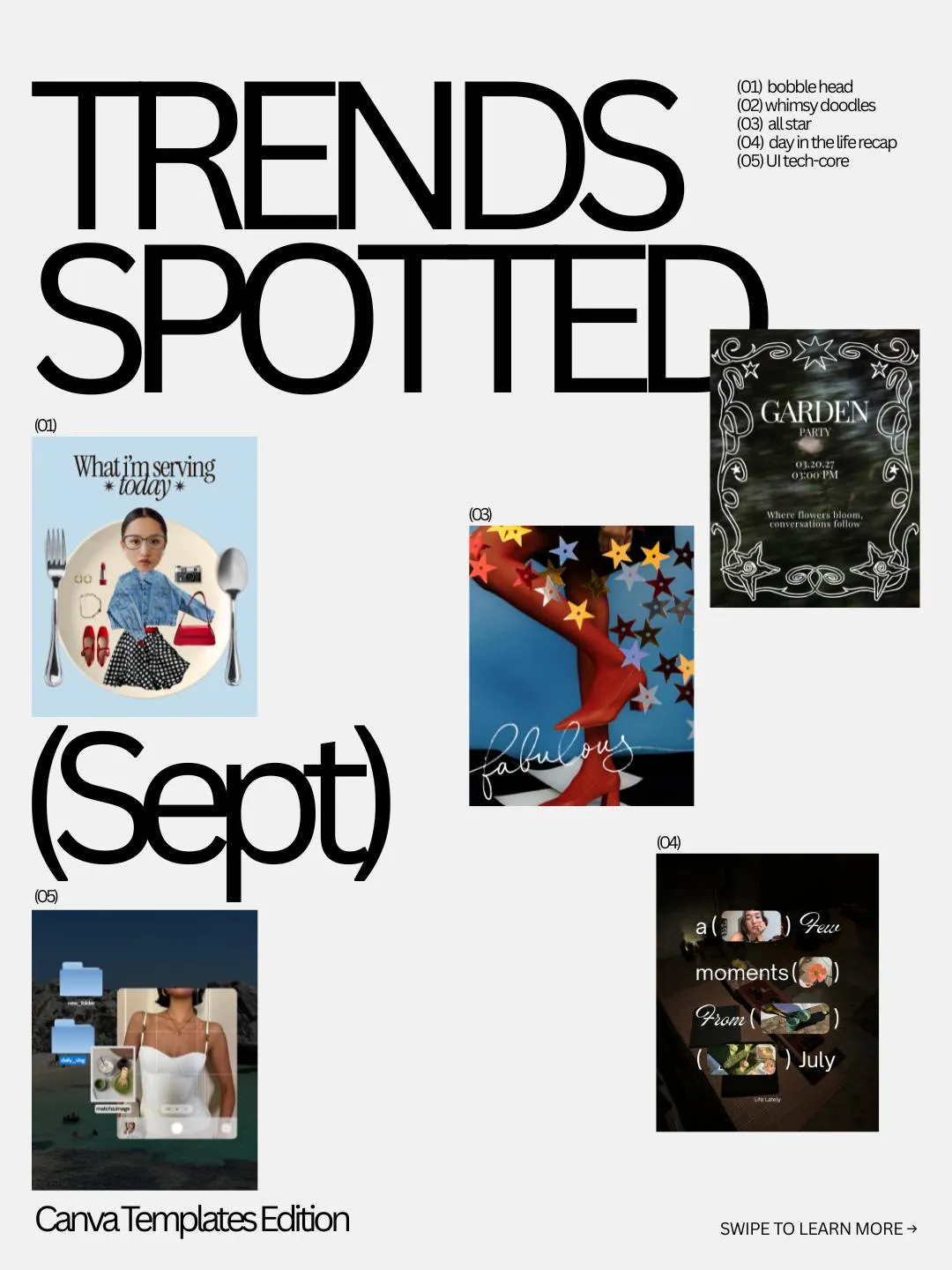
Make a trend roundup useful through named categories and concrete examples
 Canva
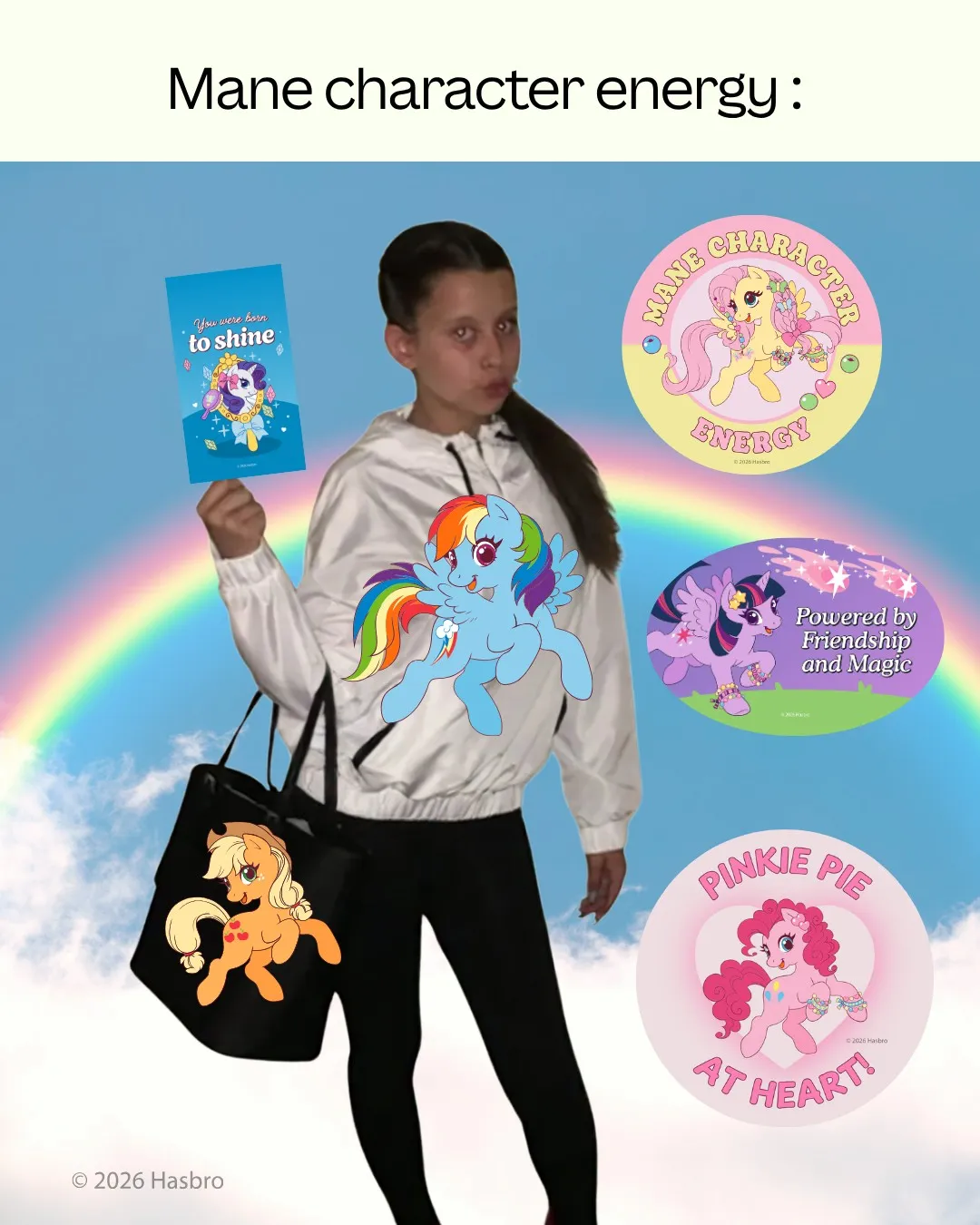
Demonstrate licensed artwork through personal accessories and a decorated calendar
 Canva
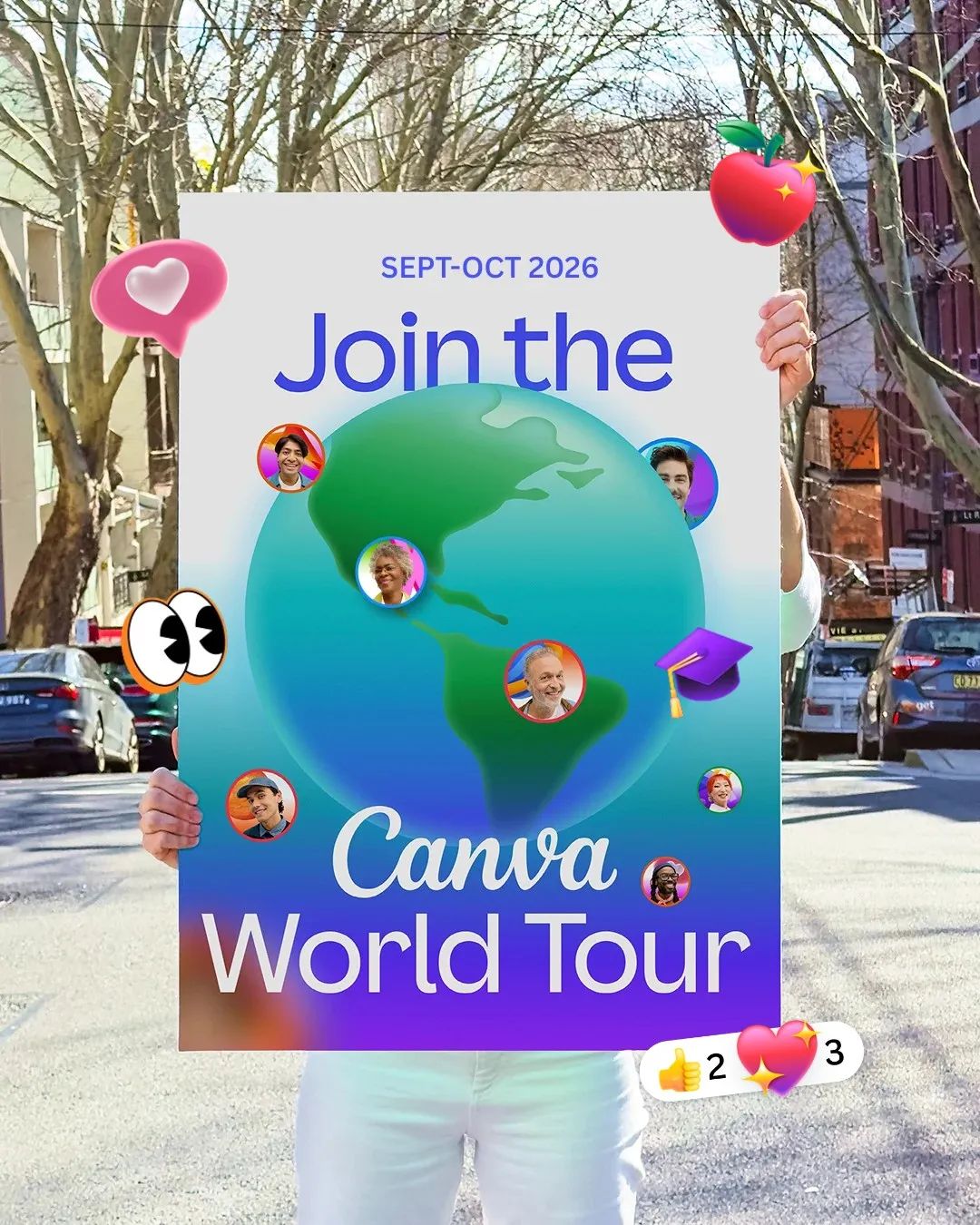
Make an online learning event tangible through handheld print props
 Canva
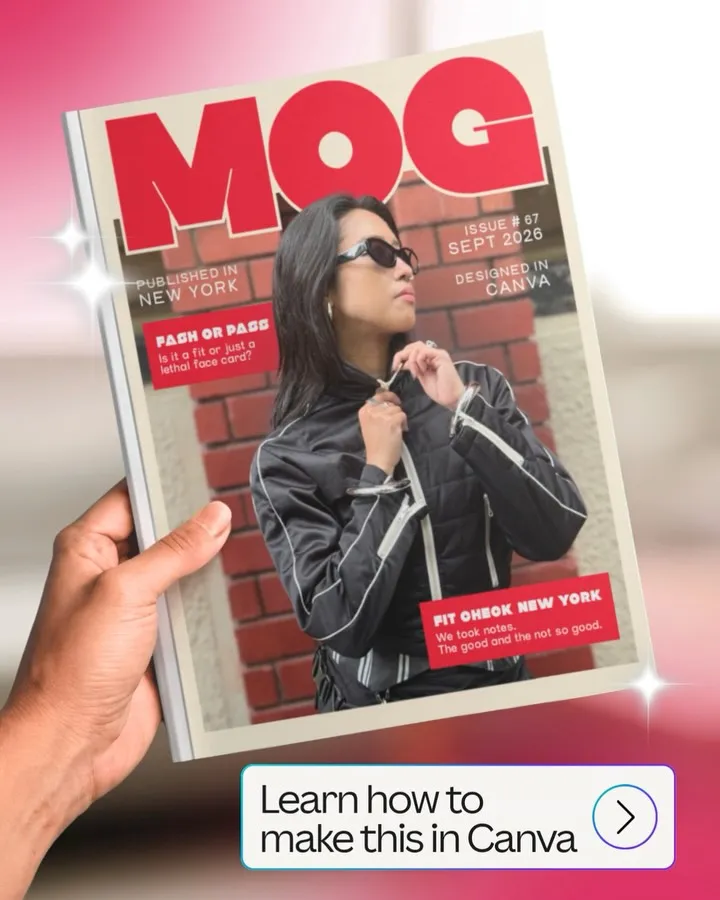
Show the finished magazine before revealing how it was assembled
These posts belong to Canva, and each links to the original on Instagram. They’re shown here to study and comment on. Curatit isn’t affiliated with Canva. To ask for a post to be removed, use Contact at the foot of the page.
Read every breakdown in full
A free account opens every post in the library, the main idea of each breakdown, and boards to save and share posts. The full breakdowns, with the decisions behind each post, its design slide by slide and its colours, come with search by idea in the paid plans.