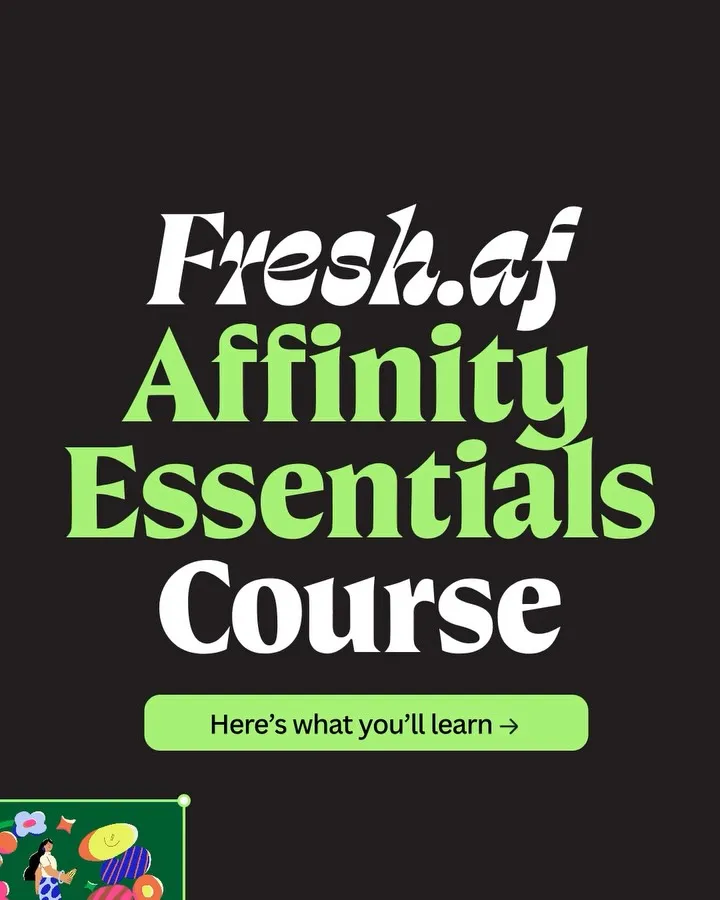
CanvaInstagram carousel
Sell a design course through the outputs each lesson enables
An eleven-slide course overview pairs nine lesson titles with tool screenshots or designed artefacts. Heavy serif headings and alternating lime, cream, black and blue backgrounds give the long syllabus a rhythm.
“Good kerning starts with bite-sized learning.”
- Goal
- Conversion
- Hook
- How-to promise
- Format
- Listicle
In the full breakdown
Every one of the 11 slides and what each one does, the creative decisions behind the post and when to use them, the type, colour and layout choices, and a brief to make a new post in the same style with your own words and pictures.
More from Canva
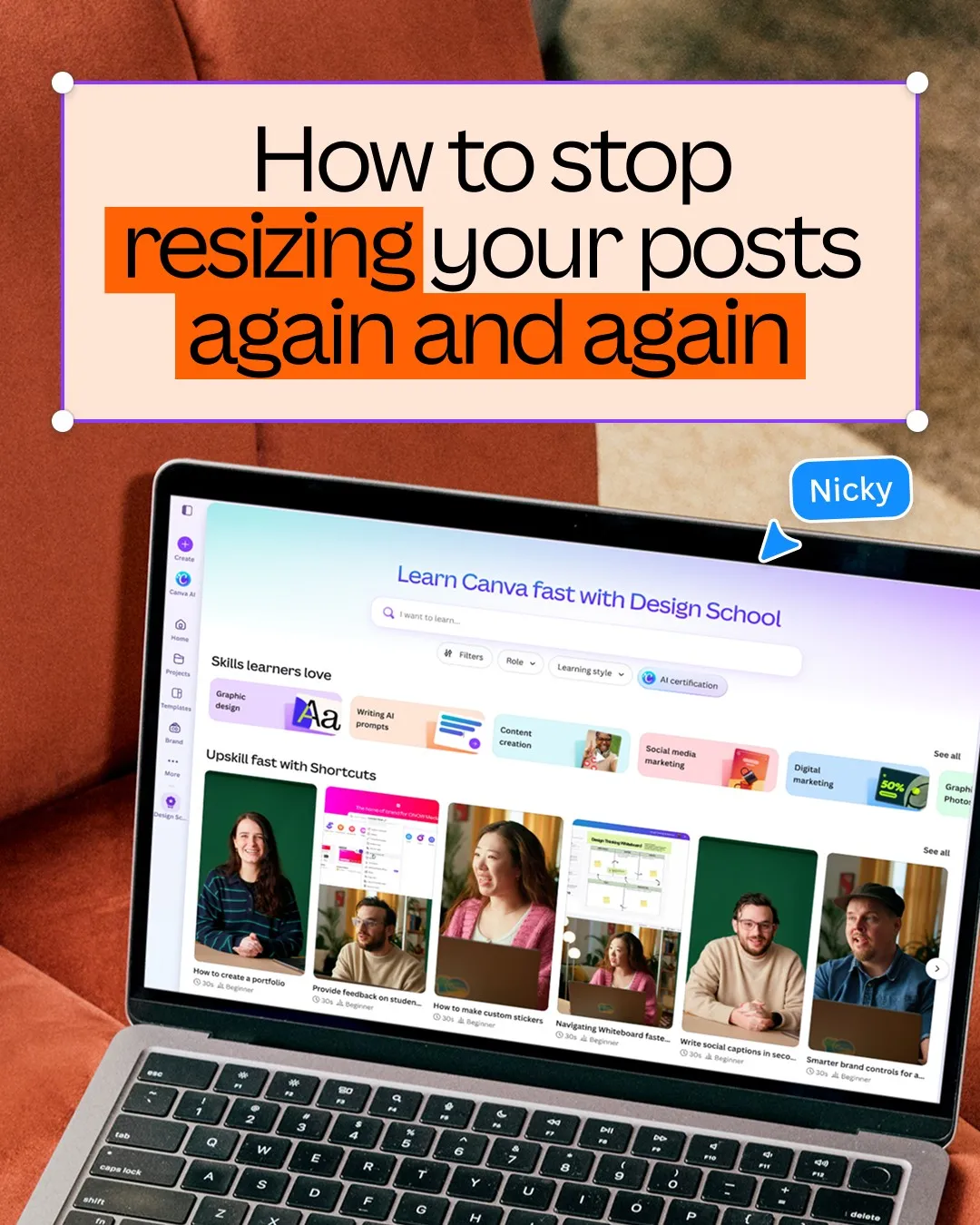



Feature explainer, from other brands


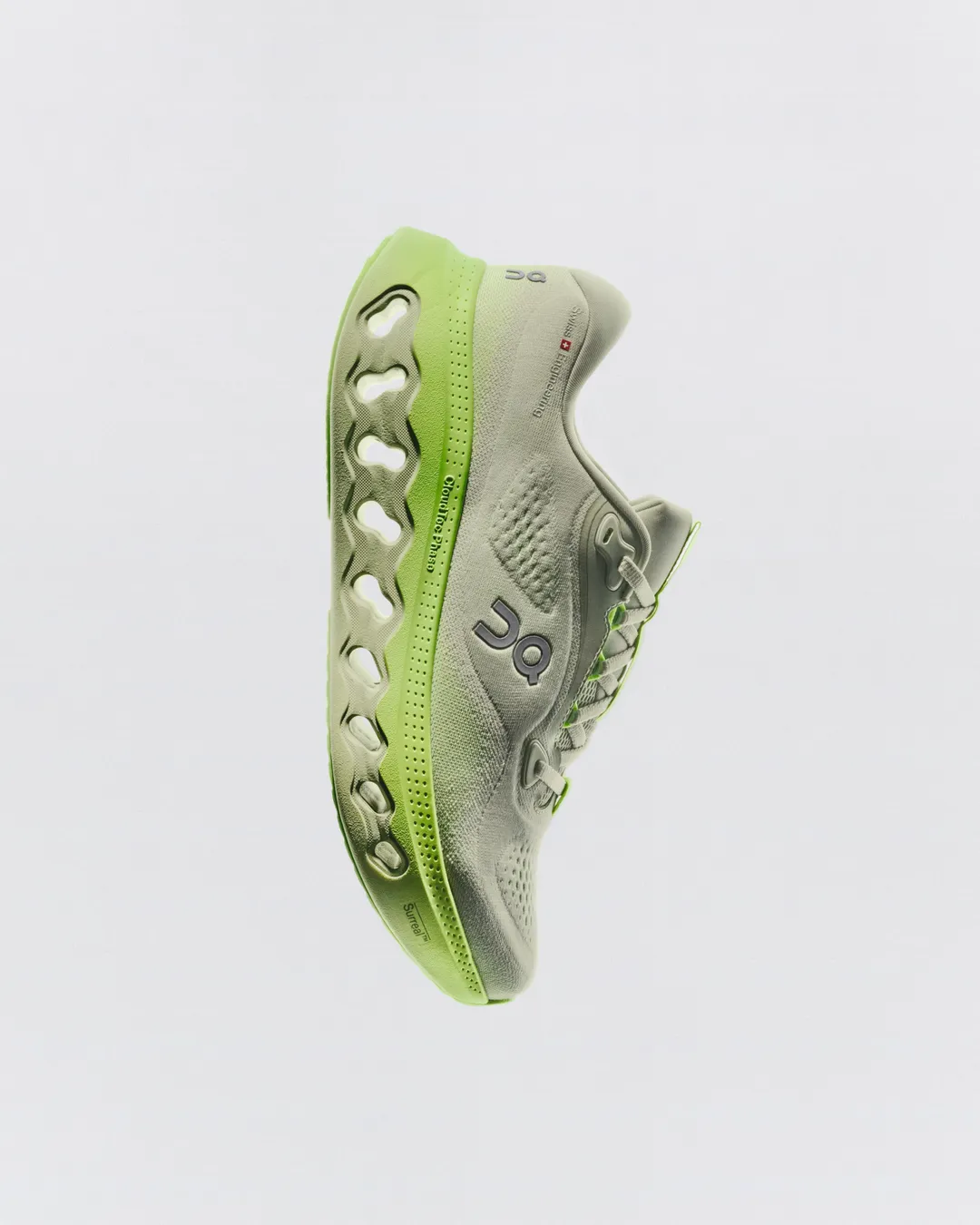

These posts belong to Canva, and each links to the original on Instagram. They’re shown here to study and comment on. Curatit isn’t affiliated with Canva. To ask for a post to be removed, use Contact at the foot of the page.
Read every breakdown in full
A free account opens every post in the library, the main idea of each breakdown, and boards to save and share posts. The full breakdowns, with the decisions behind each post, its design slide by slide and its colours, come with search by idea in the paid plans.