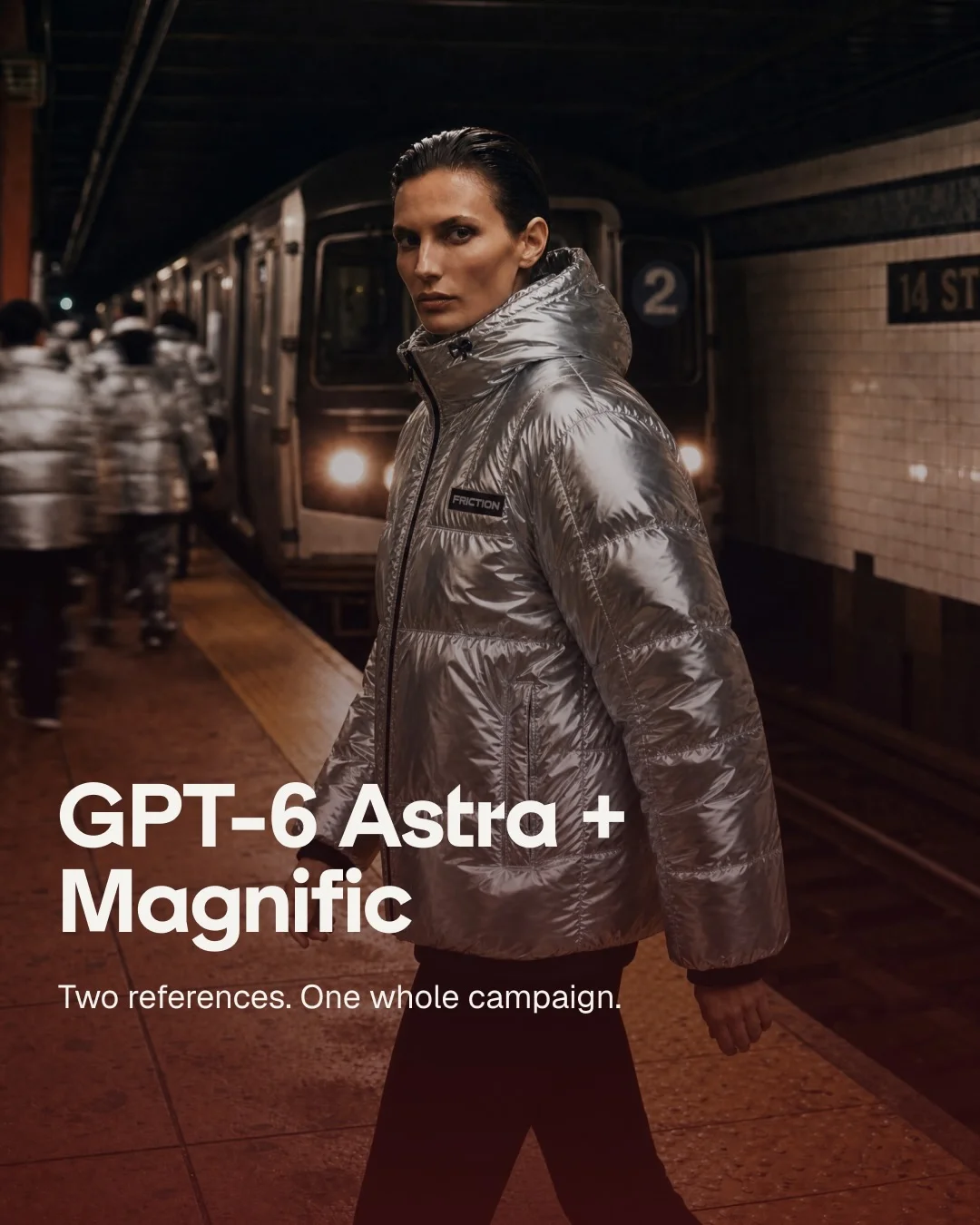
Magnific AIInstagram carousel
Walk from two reference images to each finished campaign deliverable, one per slide
The second slide shows the two inputs, then each later frame names one output, its format and what it skipped. Every output reuses the silver jackets and subway platform, so the campaign reads as one world.
“Comment “FRICTION” and we’ll send you Astra in your own setup GPT-6 Astra is now on Magn…”
- Type
- Feature launch
- Goal
- Conversion
- Hook
- Bold claim
- Format
- Reveal, then detail
In the full breakdown
Every one of the 6 slides and what each one does, the creative decisions behind the post and when to use them, the type, colour and layout choices, and a brief to make a new post in the same style with your own words and pictures.
More from Magnific AI
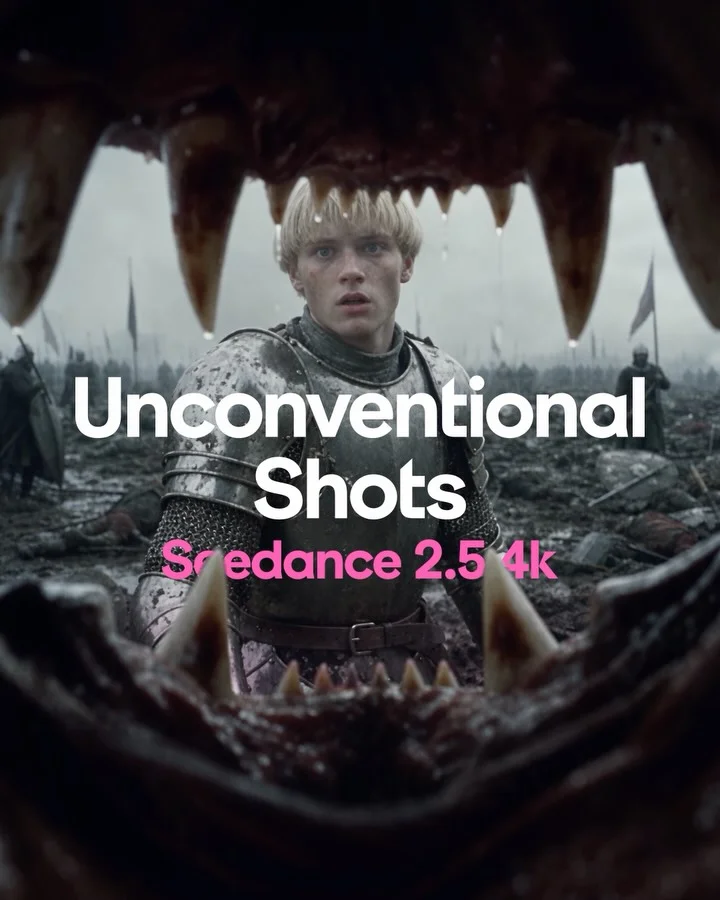 Magnific AI
Teach seven camera angles inside one medieval battle so only the shot changes
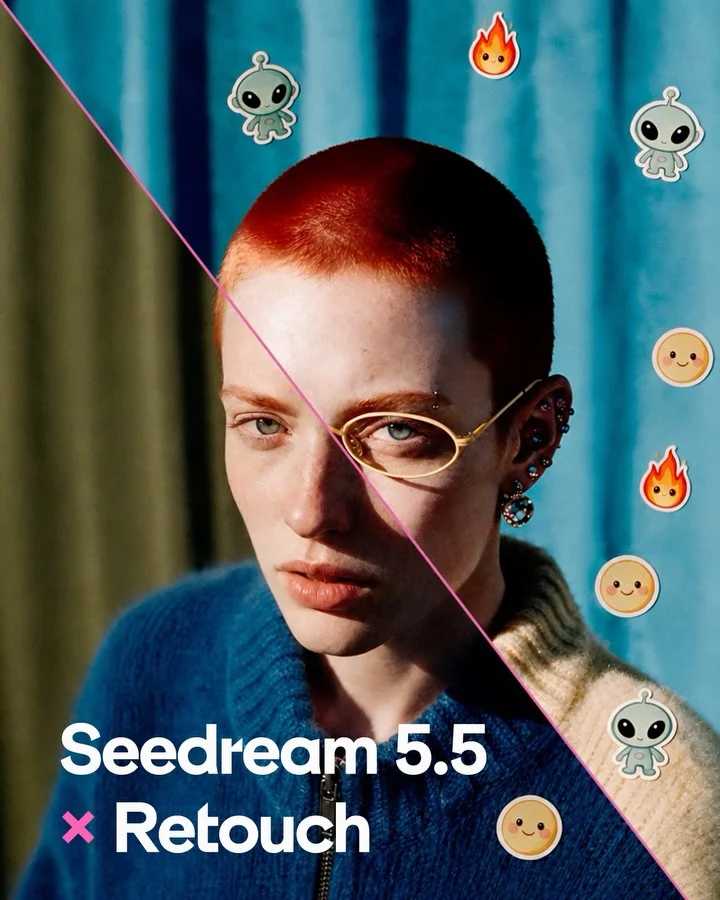 Magnific AI
Split one portrait diagonally into original and retouched to launch an editing model
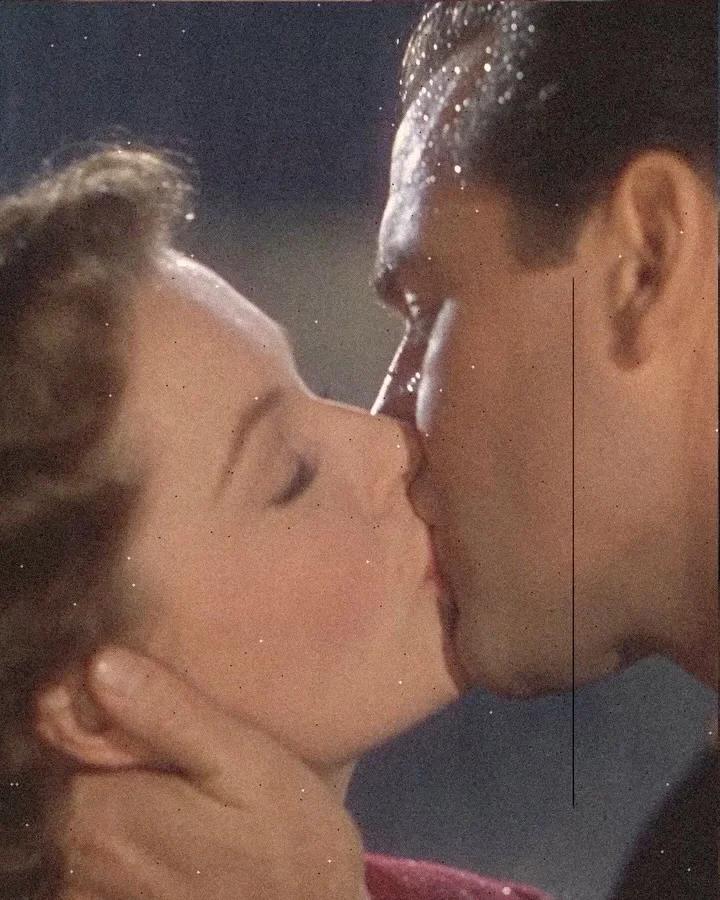 Magnific AI
Present motion recipes as aged collage plates with paper-cut figures and film damage
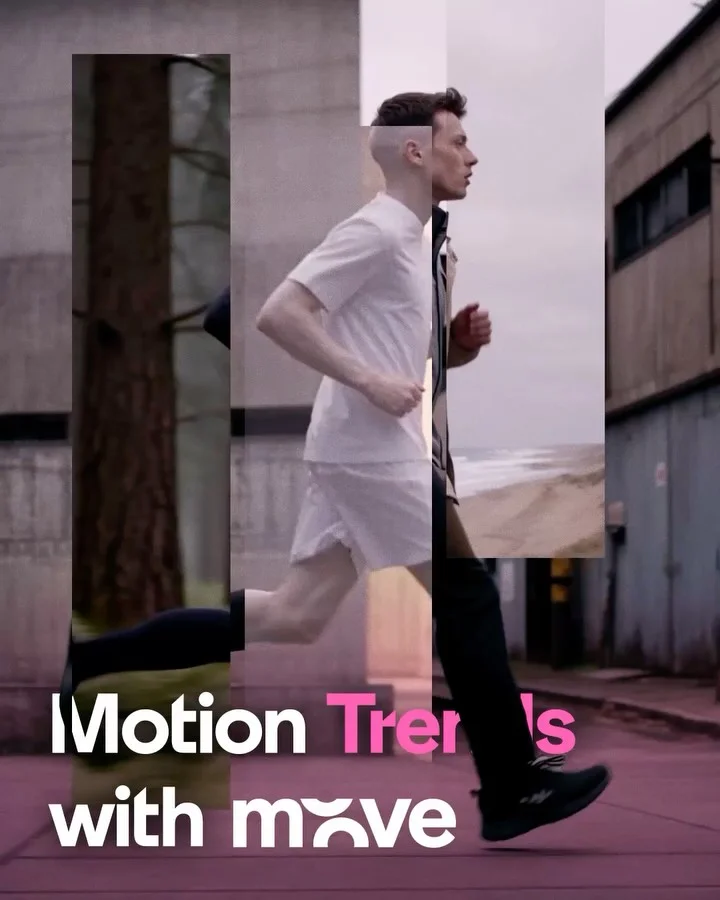 Magnific AI
Freeze eight motion effects mid-transition so each reads in a still frame
Feature launch, from other brands
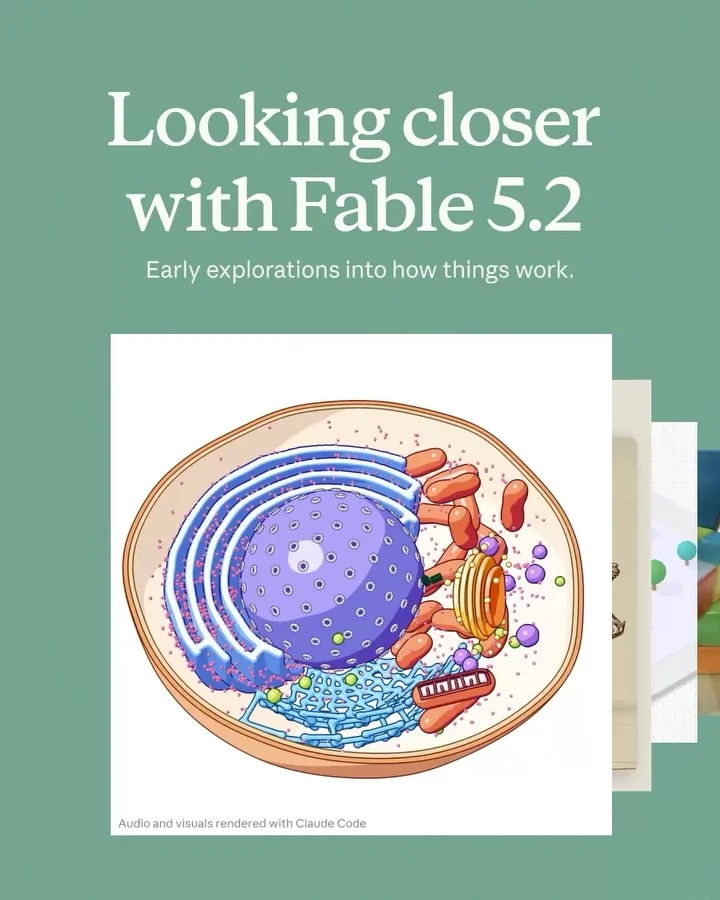 Claude
Launch a model through builders’ experiments, each captioned on a white card with credit
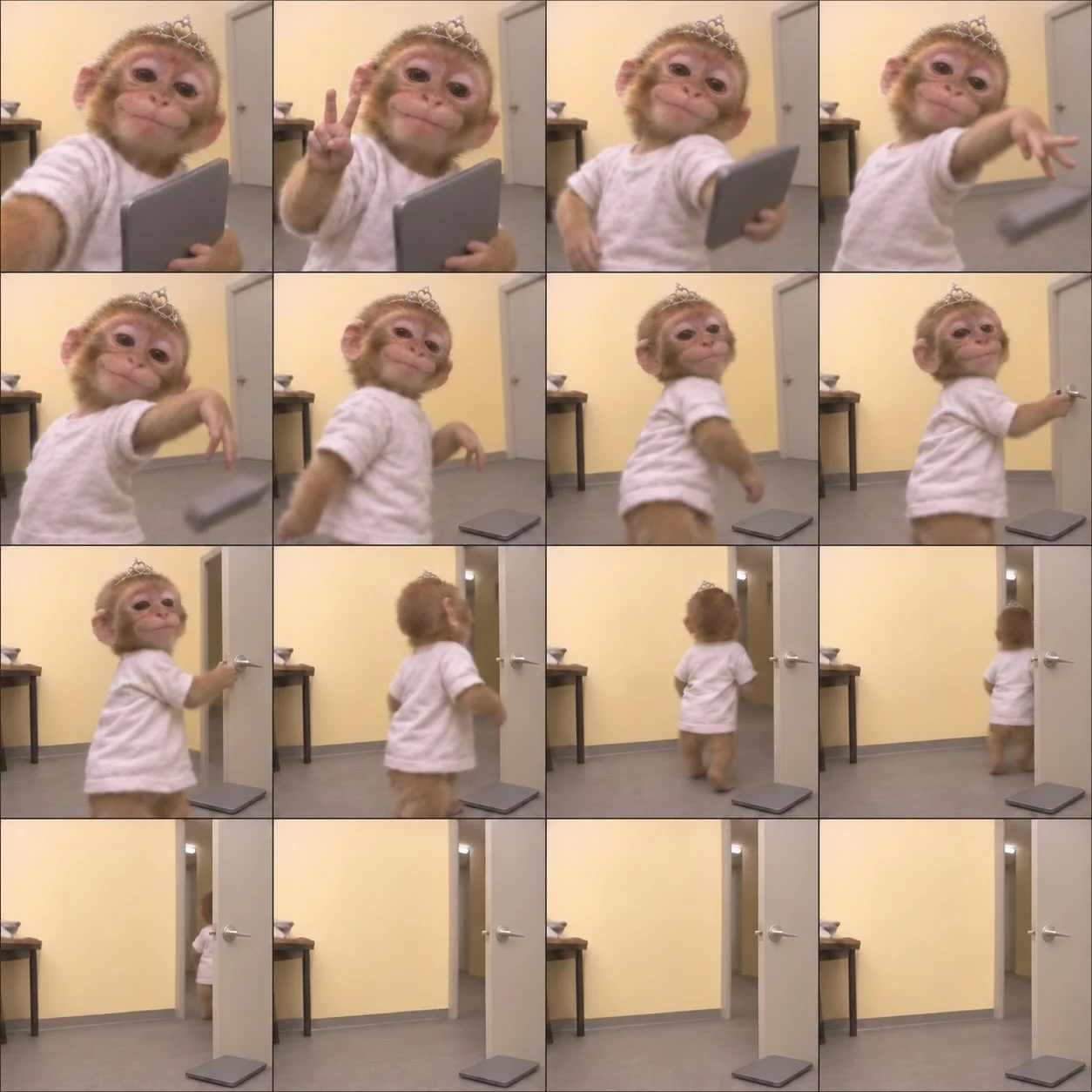 ChatGPT
Lay out a reaction GIF as a sixteen-frame strip to announce GIF support
 Twitch
Silhouettes turn to coloured art in a fixed grid to announce evolved chat badges
 Wise
Present the new feature inside a familiar travel hub
These posts belong to Magnific AI, and each links to the original on Instagram. They’re shown here to study and comment on. Curatit isn’t affiliated with Magnific AI. To ask for a post to be removed, use Contact at the foot of the page.
Read every breakdown in full
A free account opens every post in the library, the main idea of each breakdown, and boards to save and share posts. The full breakdowns, with the decisions behind each post, its design slide by slide and its colours, come with search by idea in the paid plans.